


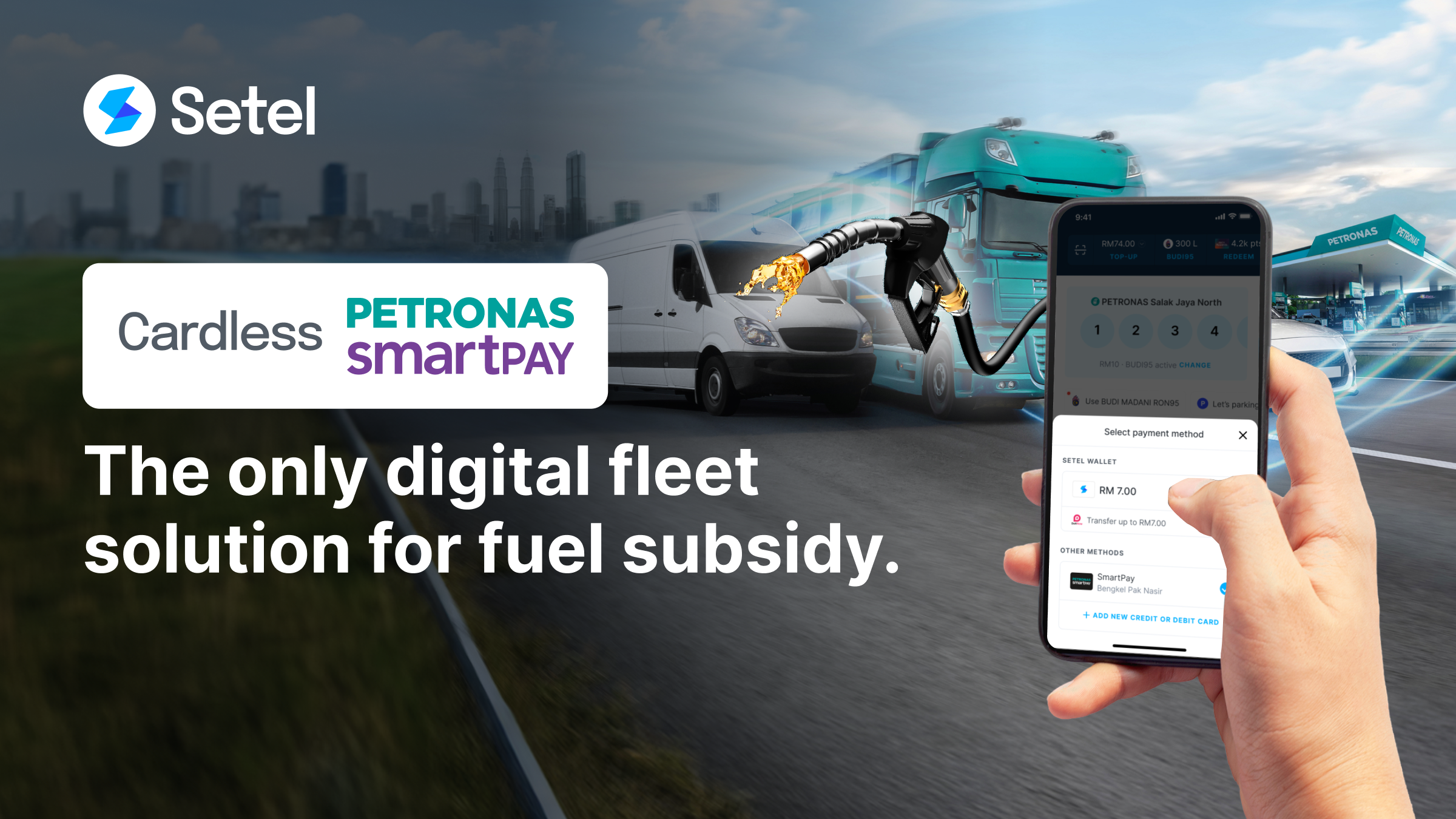
If you run a land freight fleet in Sabah, Sarawak, or Labuan, SKDS Diperluas (Sistem Kawalan Diesel Bersubsidi Diperluas) applications are now open for East Malaysia. Diperluas means “expanded” in Malay, reflecting the government’s move to extend the subsidised diesel control system beyond Peninsular Malaysia to cover East Malaysia. The fleets that prepare early will be first through the door.
For fleet operators in East Malaysia, this is the time to act. Register your company, confirm your vehicles qualify, gather your documents, and get your fuelling workflow ready before the queue builds up.
Key facts at a glance:
- Applications open: 4 May 2026 for Sabah, Sarawak, and Labuan
- Subsidy rate: RM2.15 per litre for the land freight sector
- Purchase method: fleet card (Cardless PETRONAS SmartPay for PETRONAS stations)
- Approving authority: KPDN via mysubsidi.kpdn.gov.my
- Set up Cardless PETRONAS SmartPay to access subsidised diesel at PETRONAS stations
This guide covers eligibility, what to prepare, how the application process works end-to-end, and what to do the moment you receive KPDN approval.
What is SKDS, and why does this expansion matter?
SKDS is Malaysia’s targeted diesel subsidy control system, managed by KPDN. It channels subsidised diesel exclusively to eligible sectors through a monitored fleet card mechanism, replacing the old open-market approach that was prone to leakage and misuse. The scheme uses digital tracking to ensure subsidised purchases stay within approved quotas and vehicle categories.
Until now, SKDS has applied only to land freight operators in Peninsular Malaysia. The April 2026 announcement changes that: eligible companies in Sabah, Sarawak, and Labuan will be able to apply from 4 May 2026.
| Policy update | What it means for your fleet |
|---|---|
| SKDS Diperluas expands to Sabah, Sarawak, and Labuan | East Malaysia fleets can now access subsidised diesel at RM2.15/litre, subject to eligibility and quota |
| Fleet card method applies | Purchases must be made using an approved fleet card; cash or standard payment does not attract the subsidy |
| Digital quota monitoring | Each approved vehicle has a tracked quota; purchases above quota revert to market price |
| KPDN is the approving authority | Setel is not the approving body; approval comes from KPDN first, then fleet card setup follows |
Who is eligible under SKDS Diperluas?
Eligibility is determined by three factors: your company’s registration status, the validity of your vehicles’ road tax, and whether the vehicle types in your fleet fall under the approved SKDS Diperluas categories. All three must be met before an application will be considered.
Company and vehicle eligibility criteria
According to KPDN’s official guide, your company must meet the following before applying:
- Active business registration in Malaysia (Companies Act 2016 or Registration of Business Act 1956)
- Vehicles registered under your company’s ownership, not under an individual’s name
- Valid Motor Vehicle Licence (road tax) for each vehicle you intend to include in the application
Eligible vehicle types for SKDS Diperluas
The SKDS Diperluas eligible vehicle list covers a wide range of land freight and service categories. Common qualifying types include:
| Vehicle category | Examples |
|---|---|
| General freight | General cargo truck, prime mover, Luton box truck |
| Refrigerated logistics | Refrigerated truck |
| Passenger and service | School bus, express bus, shuttle bus, minibus |
| Vans | Panel van, window van, semi-panel van |
| Rigid lorries | Agricultural produce, curtain sider, open platform, combination, animal enclosure |
| Specialised | Flour tanker truck, water tanker truck, bottled beverage truck, catering food lorry, mobile service van |
Important: Not every commercial vehicle qualifies. If your vehicle type is not on the approved list, it will not be eligible, regardless of your company’s registration status. Check the full eligibility list on Setel Help before applying.
What fleets should prepare before applying
KPDN has specifically advised company owners to ensure all relevant records and documents are ready before registration opens. Fleets that arrive at the application portal with incomplete documents will lose time while others move ahead.
Prepare the following:
- Company registration: Confirm your SSM registration is active and has not lapsed
- Road tax: Verify that road tax is valid for every vehicle you plan to include. Expired road tax disqualifies a vehicle from the application.
- Vehicle ownership: Confirm each vehicle is registered under the company’s name, not under a director or individual owner
- Vehicle eligibility: Cross-check your vehicle types against the SKDS Diperluas eligible list and remove any that do not qualify before submitting
- SSM documents: Prepare your SSM Section 17 certificate, SSM certificate, and SSM business profile
- Directors’ IC: Compile IC copies for all company directors, as these are required for the Cardless PETRONAS SmartPay activation step that follows KPDN approval
- Application form: Download the Cardless PETRONAS SmartPay application form in advance so it is ready to submit alongside your approval letter
Why prepare now? Operators who have their documents in order can submit on day one and move into the fleet card setup stage faster. Fleets that wait until after approval to gather documents add unnecessary delay between approval and the first subsidised fill.
How the SKDS Diperluas process works, from KPDN application to subsidised fuelling
The full journey from application to subsidised diesel at the pump involves two distinct stages: getting KPDN approval, and then setting up your fleet card through Cardless PETRONAS SmartPay. Both are required. Neither can substitute for the other.
Stage 1: Apply to KPDN for subsidy approval
- Go to mysubsidi.kpdn.gov.my and register your company
- Complete your company profile and upload the required documents (SSM registration, vehicle grant, and valid road tax for each vehicle)
- Apply for your vehicle quota under the “Permohonan Kuota Asas” section
- Select your preferred oil company. For PETRONAS stations, you will need Cardless PETRONAS SmartPay
Await approval. If all documents are complete, quota approval can be swift. You will receive two key documents: the KPDN Approval Letter and the Approved Vehicle List.
Stage 2: Set up Cardless PETRONAS SmartPay
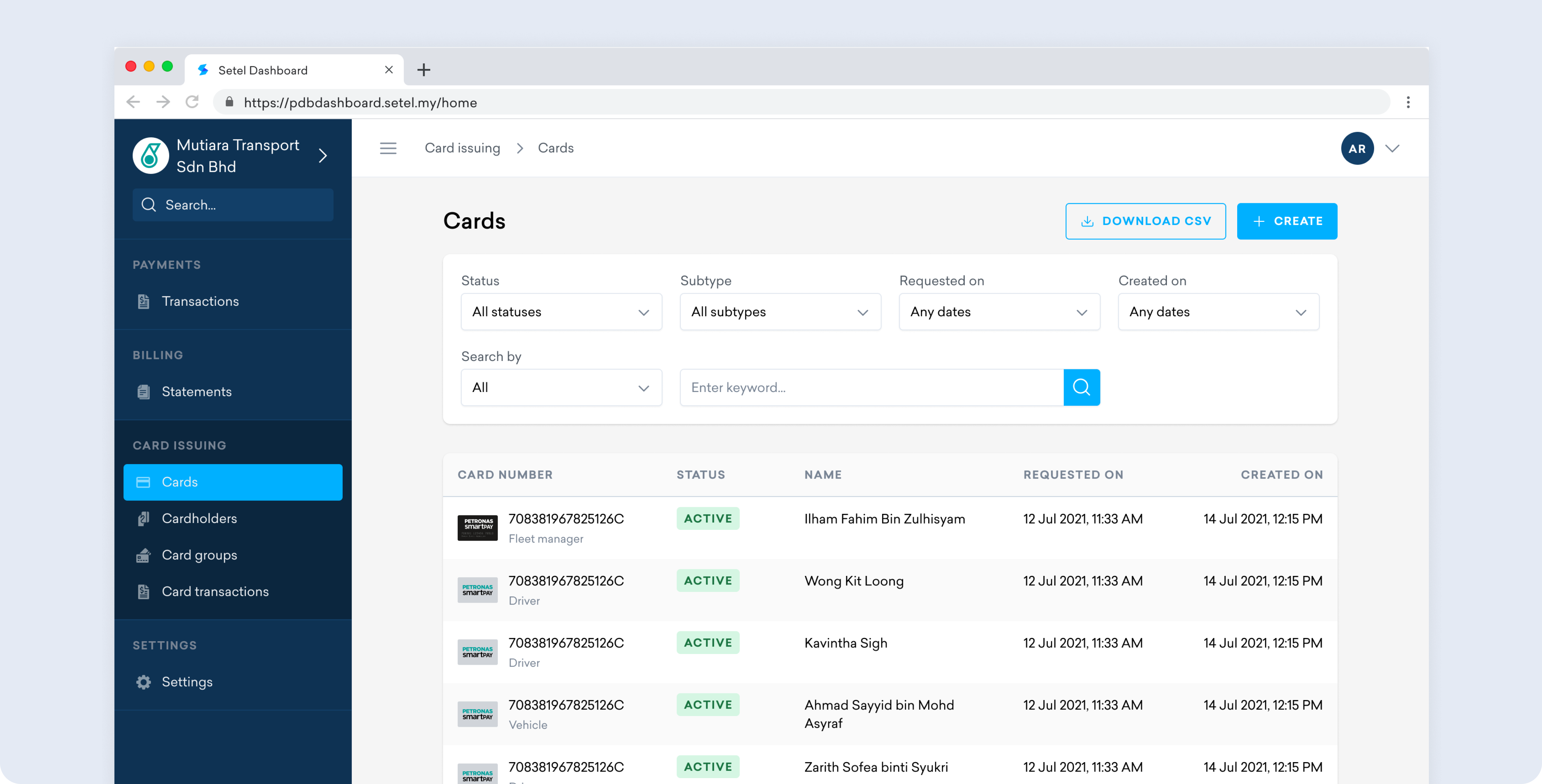
Once you have KPDN approval (or even while you wait), you can begin setting up your Cardless PETRONAS SmartPay account through Setel. This is the fleet card mechanism required to access subsidised diesel at PETRONAS stations.
The process works as follows (full guide here):
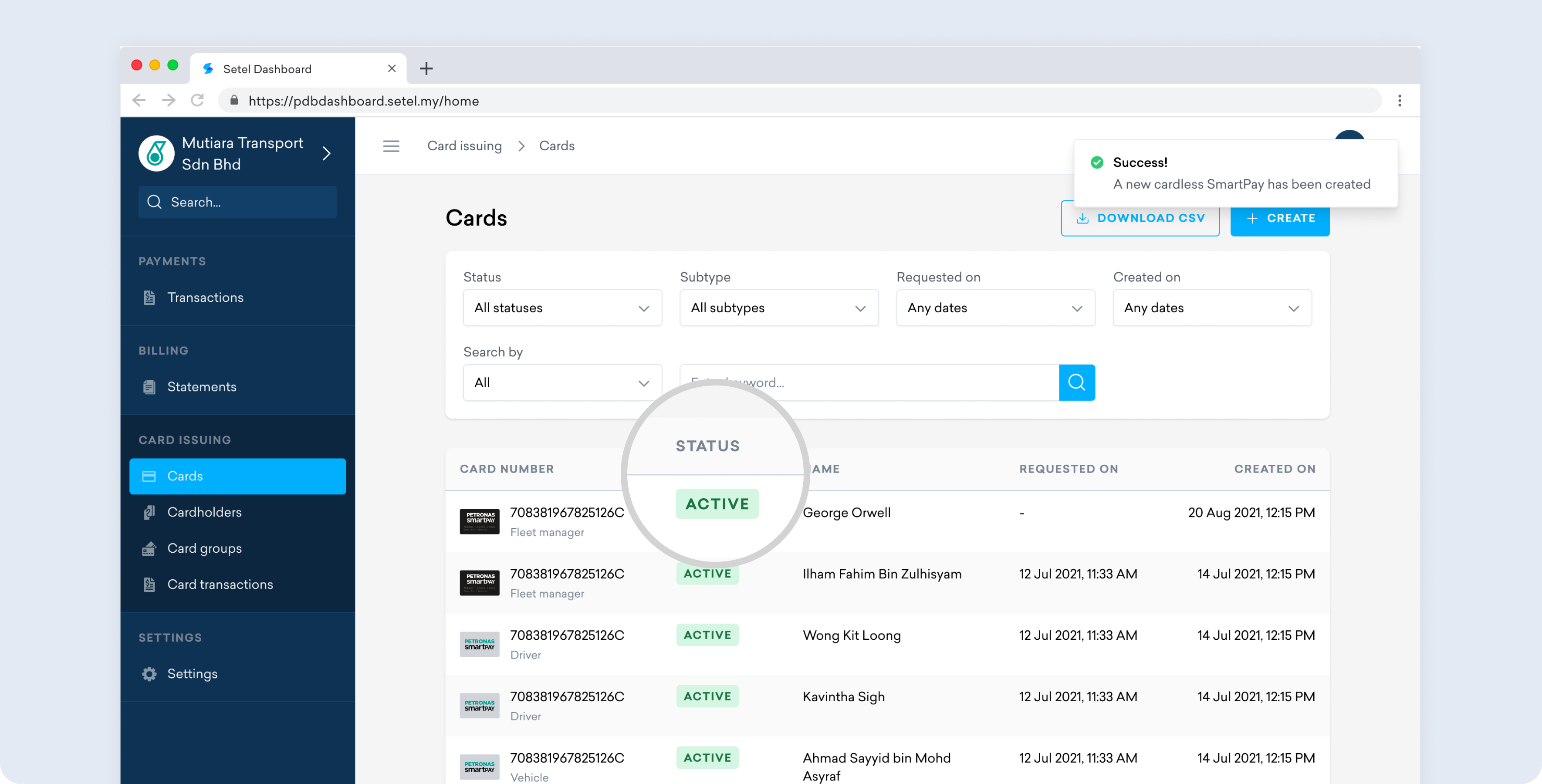
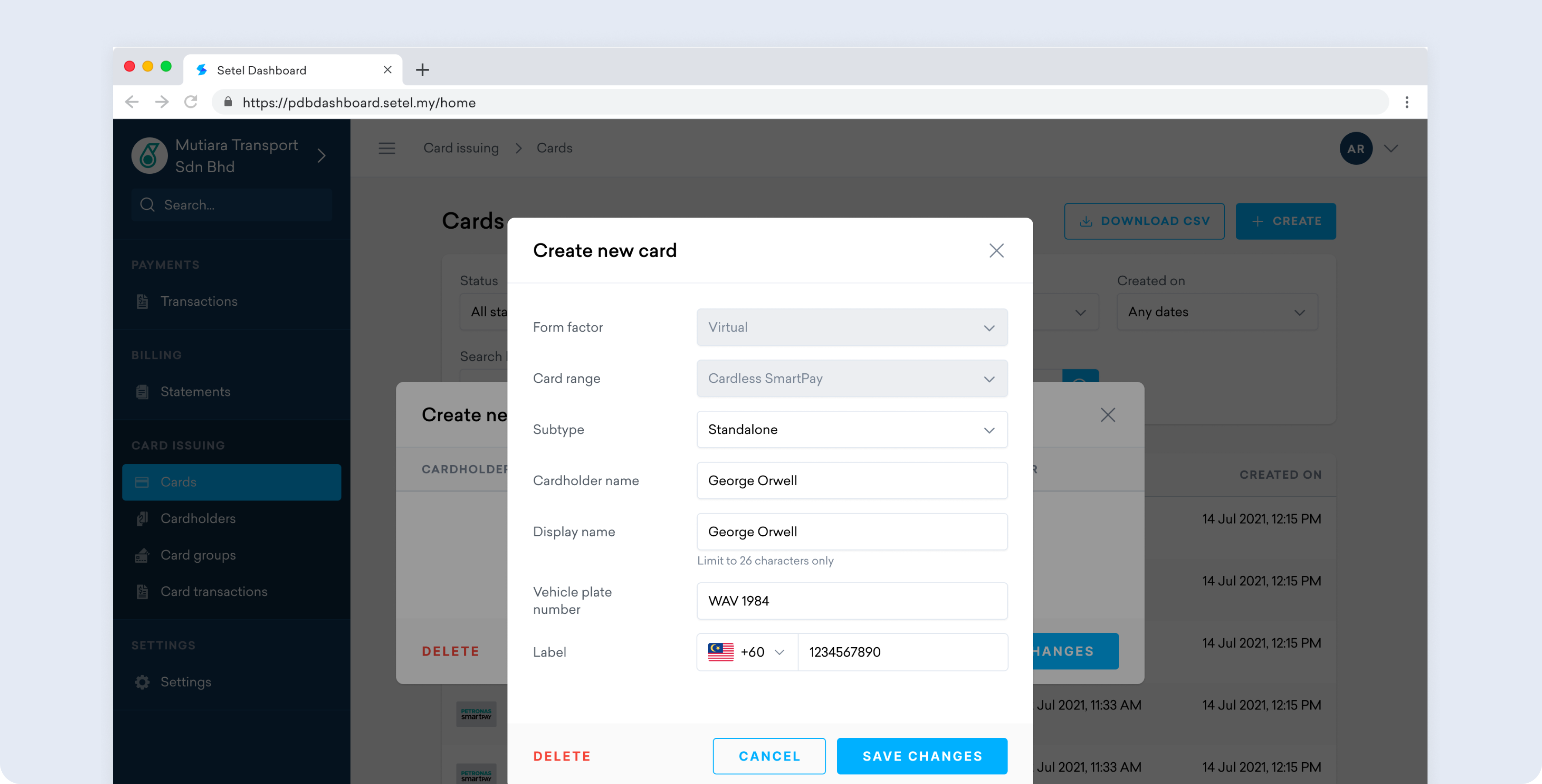
- Sign up for a Cardless PETRONAS SmartPay account at the SmartPay portal
- Activate your account by submitting: all directors’ IC, SSM Section 17 or SSM certificate, SSM business profile, the application form, and your SKDS Diperluas approval letter (if already obtained)
- Allow up to two working days for activation, and you will receive an email confirmation once the account is live
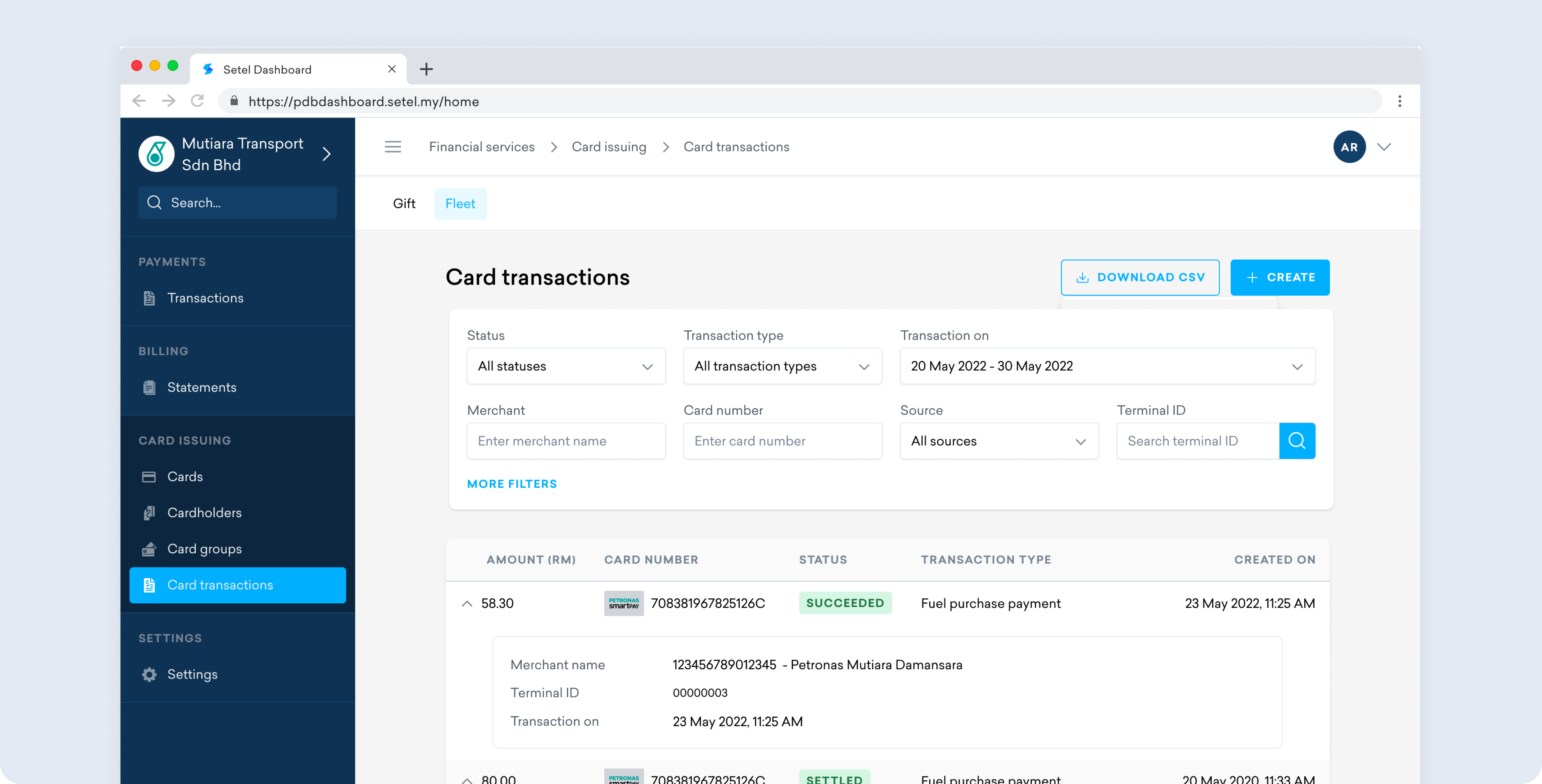
- Locate your SmartPay Account ID by logging into the Cardless PETRONAS SmartPay Dashboard and navigating to Settings > General
- Submit your approval documents to KPDN: your approval letter, approved vehicle list, and SmartPay Account ID
Key point: You can begin the Cardless PETRONAS SmartPay sign-up and activation while your KPDN application is still being processed. This means your fleet card can be ready to go the moment approval arrives, with no additional waiting period.
How reimbursement works through Setel’s Cardless PETRONAS SmartPay
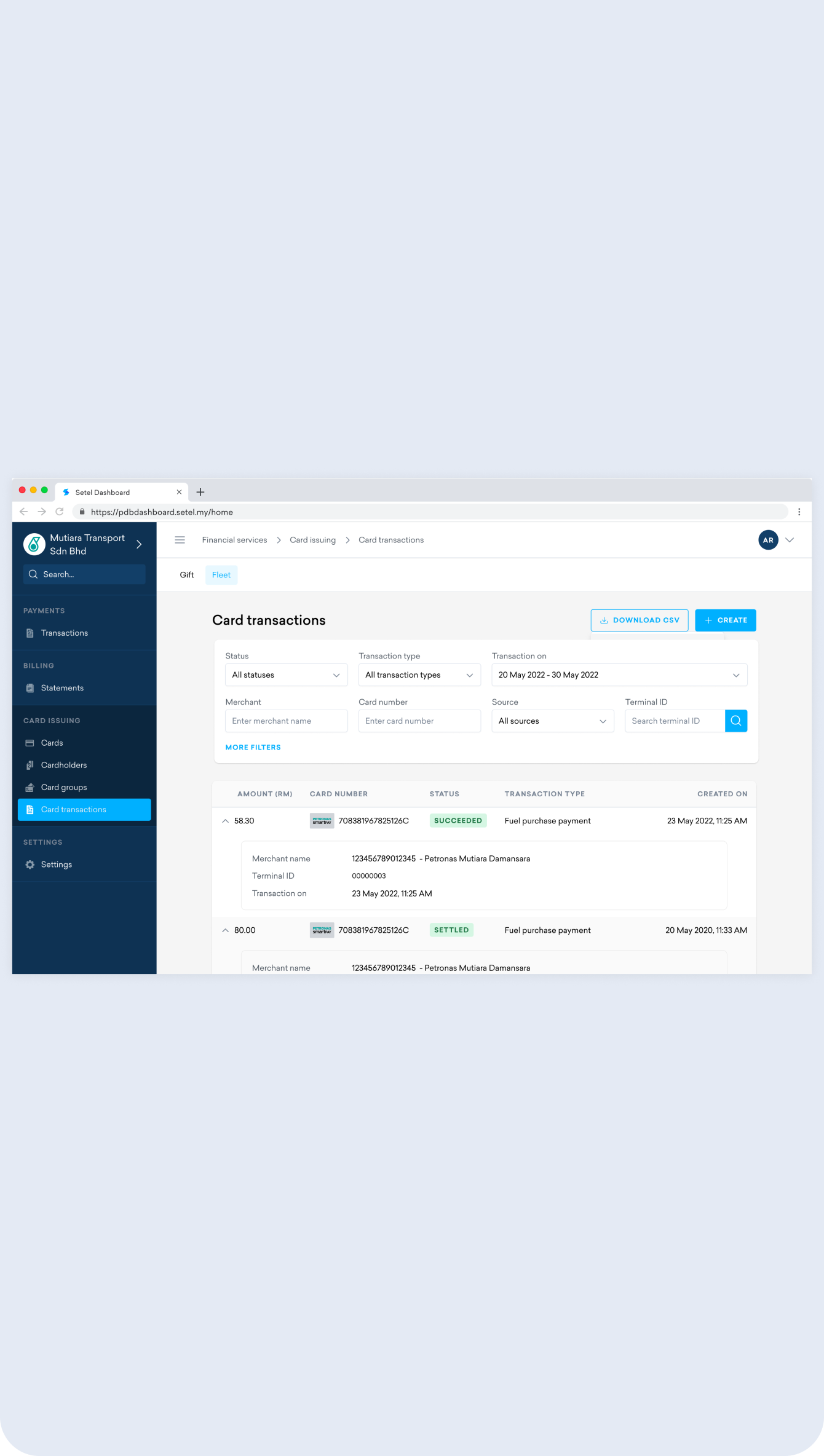
Understanding the payment flow matters because the subsidy does not work the way many operators expect. Diesel is not discounted at the pump in real time. The process works as a reimbursement cycle.
Here is what happens at each stage (full breakdown here):
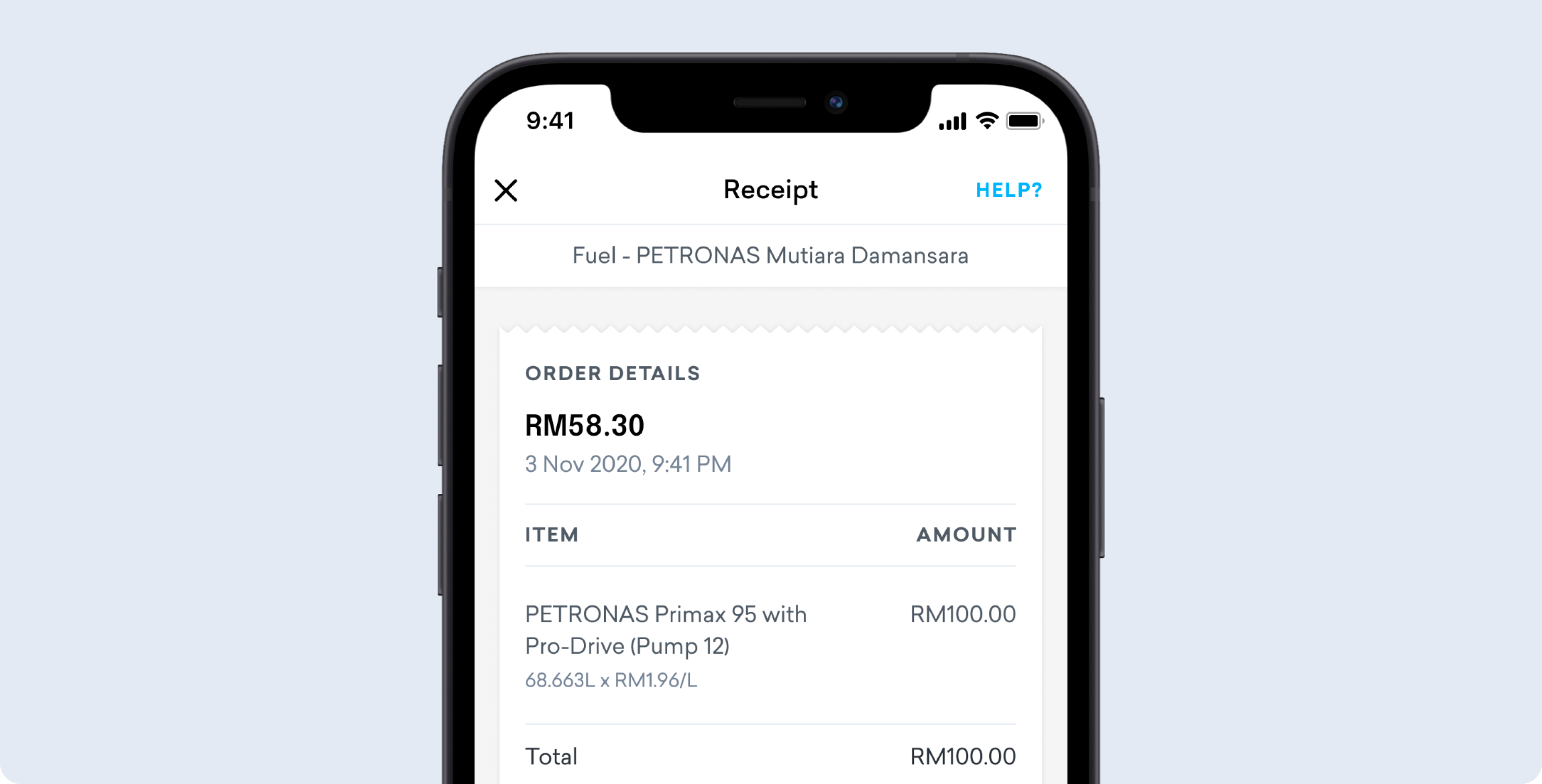
- At the pump: Your driver fuels the approved vehicle at the current market price using the Cardless PETRONAS SmartPay fleet card. The full market rate is charged at the point of purchase.
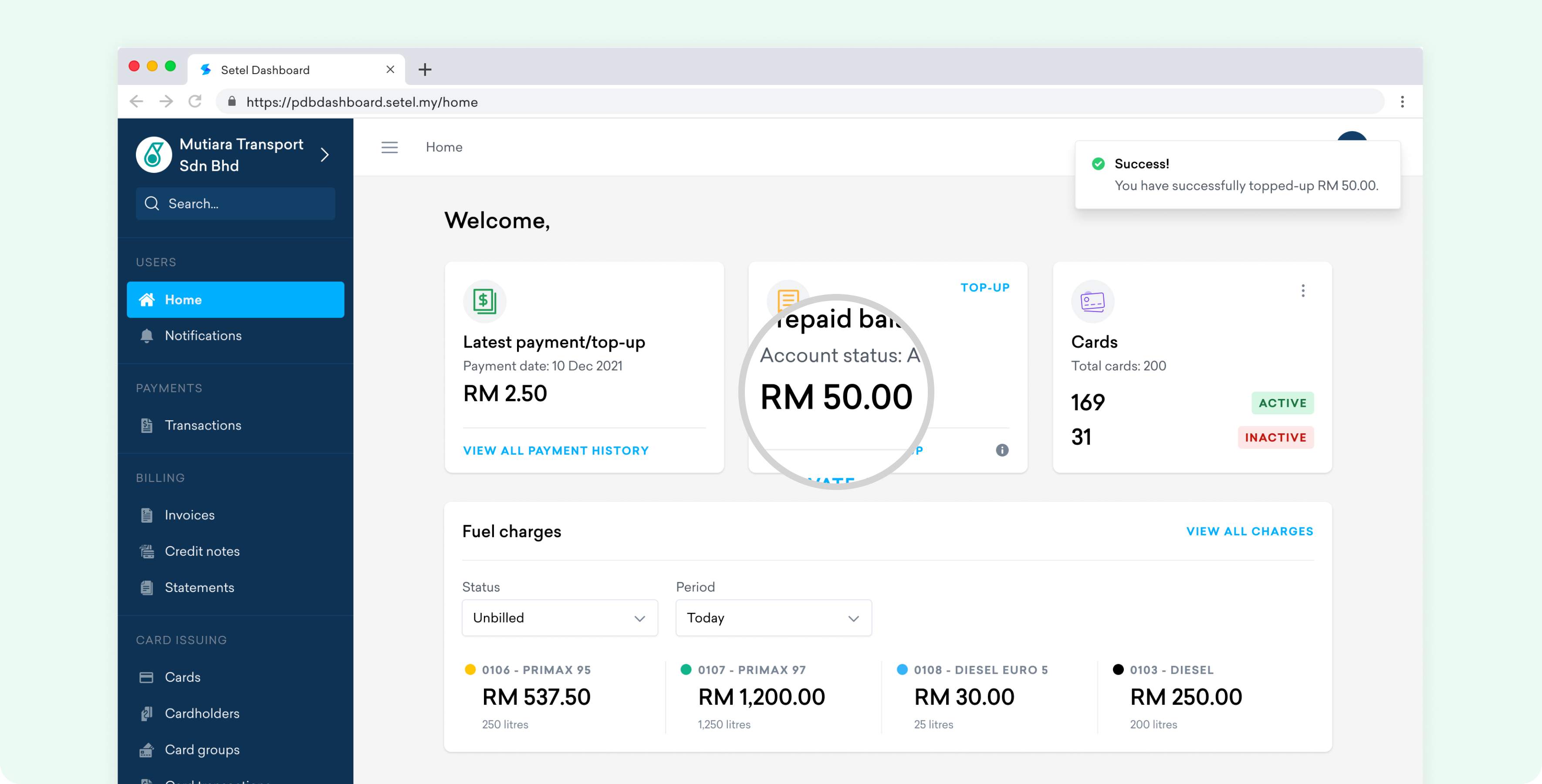
- T+1: The system calculates the difference between the market price paid and the subsidised rate of RM2.15 per litre, based on the quota used for that vehicle. Reimbursement is credited to your SmartPay account within one business day of the transaction (T+1), subject to your bank’s daily cut-off time. Instant subsidised pricing at the pump will be available starting 8 June 2026.
- If reimbursement fails: The amount is carried over and processed at the end of the month, then credited to your SmartPay account.
- Above-quota purchases: Any diesel purchased beyond your approved vehicle quota is charged at the full market price, with no reimbursement.
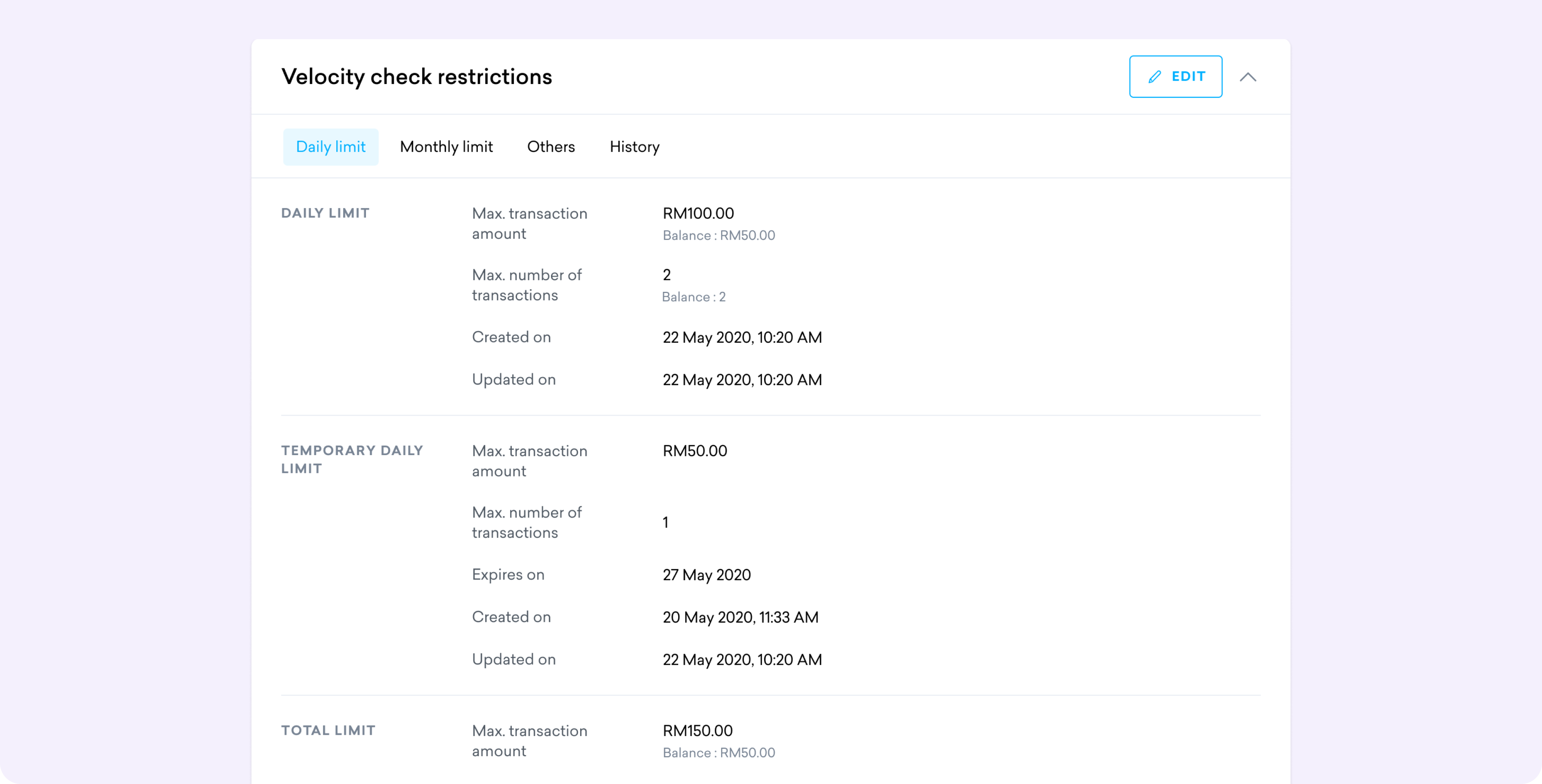
- Quota is assigned at the company level: All approved vehicles under your company share the same quota pool. Usage is allocated on a first-come, first-served basis, so high-volume vehicles that fuel early in the month will draw from the same quota as the rest of your fleet.
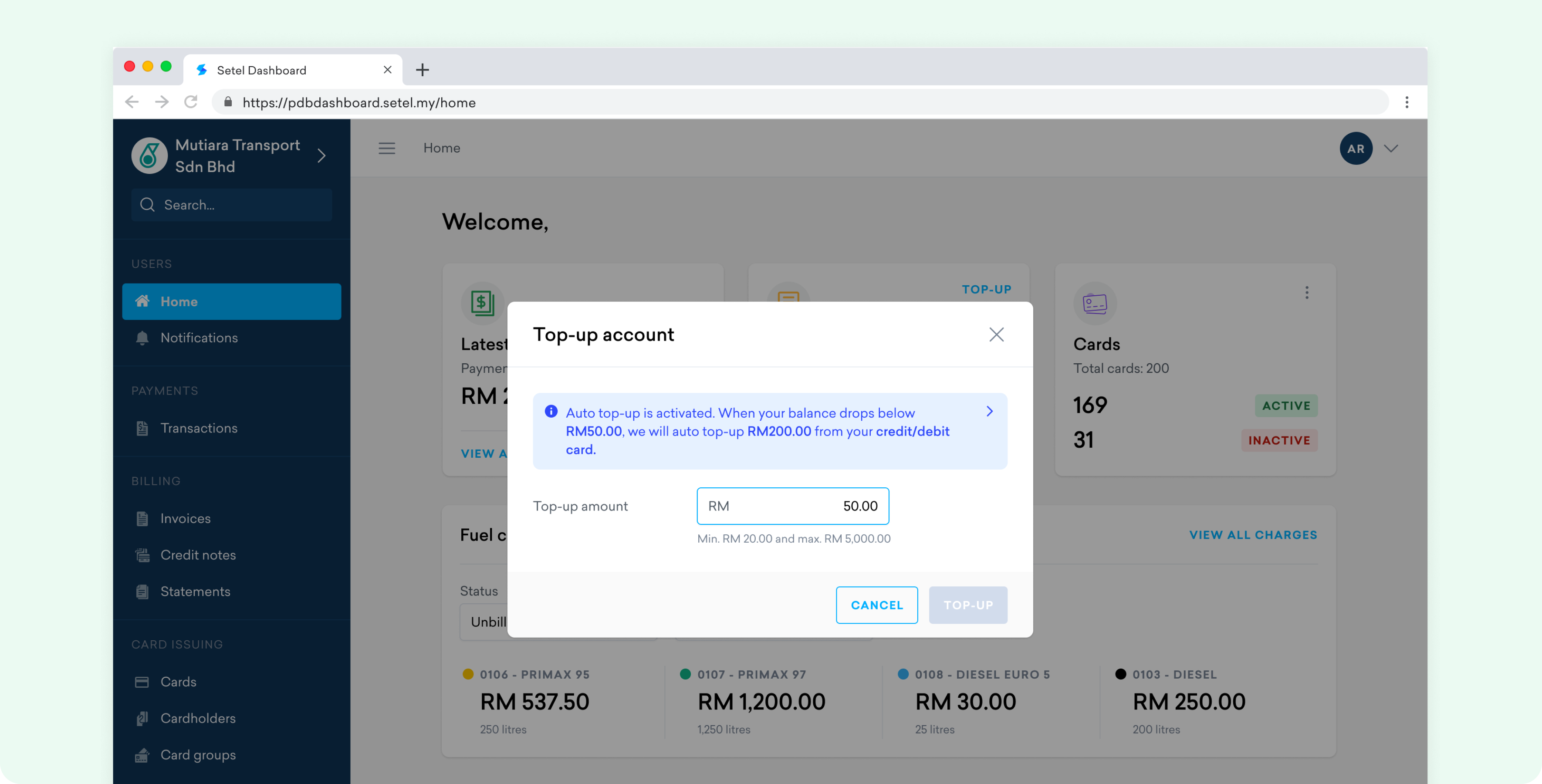
- The practical implication: your fleet needs sufficient working capital to cover full market-rate purchases upfront. The subsidy benefit arrives as a credit to your SmartPay account, not as an instant discount. Plan your cash flow accordingly, especially for high-volume fleets in the early months of the scheme.
Why Setel is the practical next step after approval
When it comes to fuel subsidy, Setel is the only digital fleet solution built for exactly this.
KPDN approval is the gate. Cardless PETRONAS SmartPay is what you walk through. Without an active SmartPay account, an approved SKDS Diperluas fleet cannot access the subsidy at PETRONAS stations, regardless of what KPDN has approved.
Setel’s Cardless PETRONAS SmartPay is built for business fleets and handles the full post-approval workflow:
- Structured sign-up and activation with a documented step-by-step process, so nothing gets missed
- Document submission flow for your approval letter and approved vehicle list, completing the link between your KPDN quota and your PETRONAS fuelling account
- Fast activation in just two working days upon approval
- Instant subsidised pricing at the pump from 8 June 2026, replacing the current daily reimbursement cycle
- No physical cards to lose and no paper receipts to track, just a digital card ready when your drivers need it
- Fleet card management with digital cards, you can manage and share securely across your drivers with ease
- Reimbursement credited to your SmartPay account, making it easy to track subsidy returns against fleet fuel spend
The bottleneck for most fleets after approval is not understanding the policy. It is getting the fuelling workflow operational without unnecessary back-and-forth. Setel’s process removes that friction.
Ready to set up? Visit Setel’s business fuel page to get started with Cardless PETRONAS SmartPay and have your account ready before your KPDN approval arrives.
Frequently asked questions
Applications for land freight vehicles in Sabah, Sarawak, and Labuan open from 4 May 2026 via mysubsidi.kpdn.gov.my. Full registration details were due to be announced on 1 May 2026.
No. Eligibility depends on vehicle type. Only vehicles on the approved SKDS Diperluas category list qualify. Check the full vehicle eligibility list before applying. Vehicles not on the list will not be approved, regardless of your company’s registration status.
Confirm your company registration is active with SSM, and verify that road tax is valid for each vehicle you intend to register. These are the two most common reasons for application delays.
Drivers pay the full market price at the pump. The subsidy difference between the market price and RM2.15 per litre is reimbursed to your Cardless PETRONAS SmartPay account within one business day of the transaction (T+1), subject to your bank’s daily cut-off time. If the daily reimbursement fails, it will be processed at the end of the month.
Yes. For PETRONAS stations, Cardless PETRONAS SmartPay is required to access subsidised diesel under SKDS Diperluas. You can set it up via Setel before or during your KPDN application.


CARs AEON Mall KB