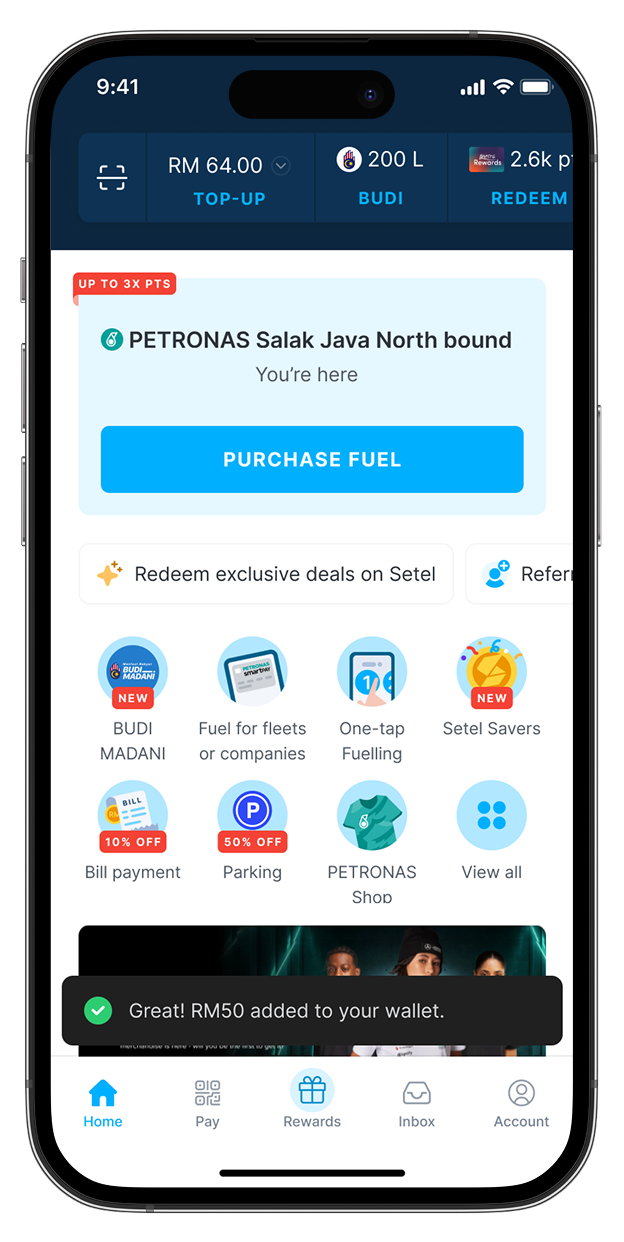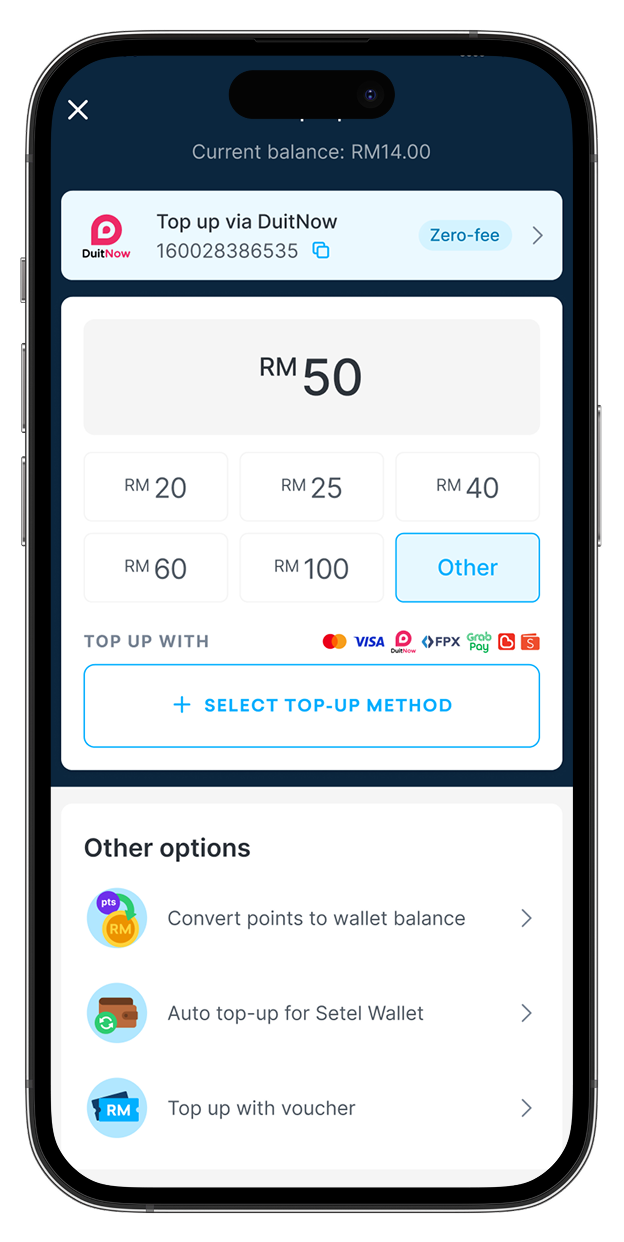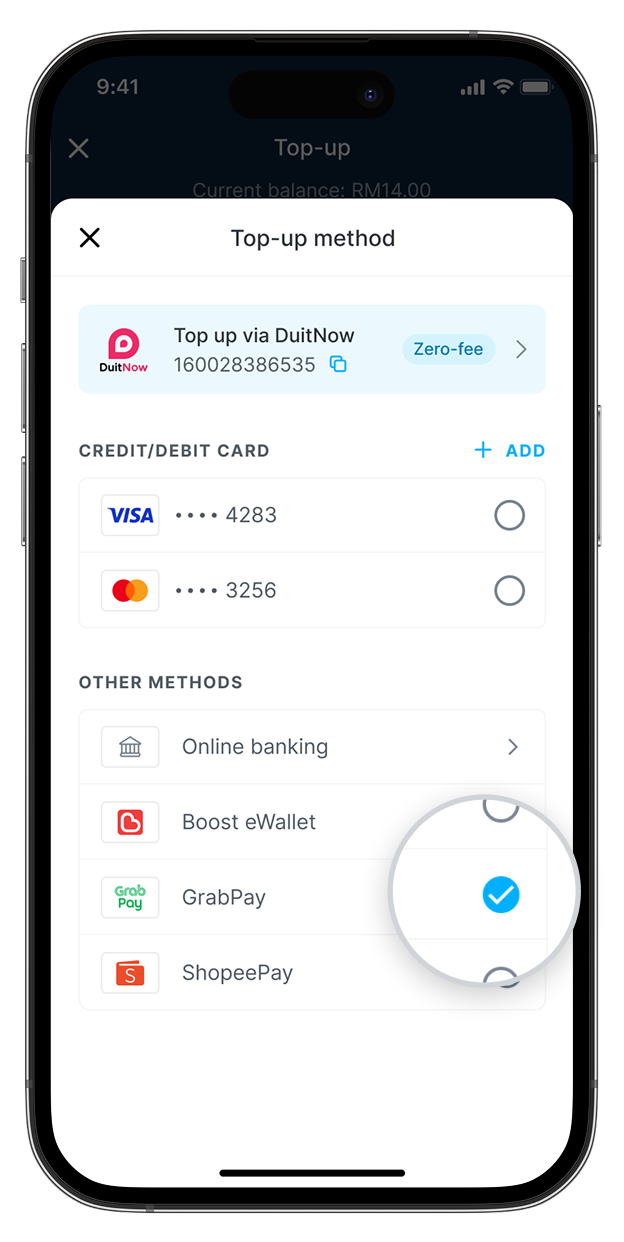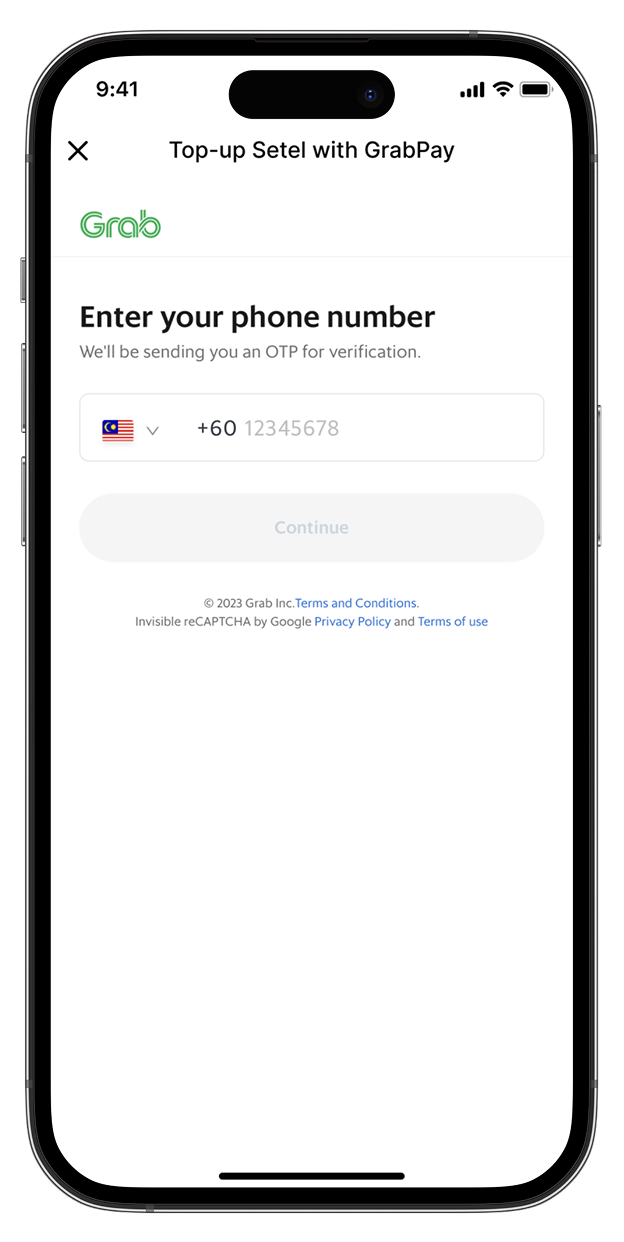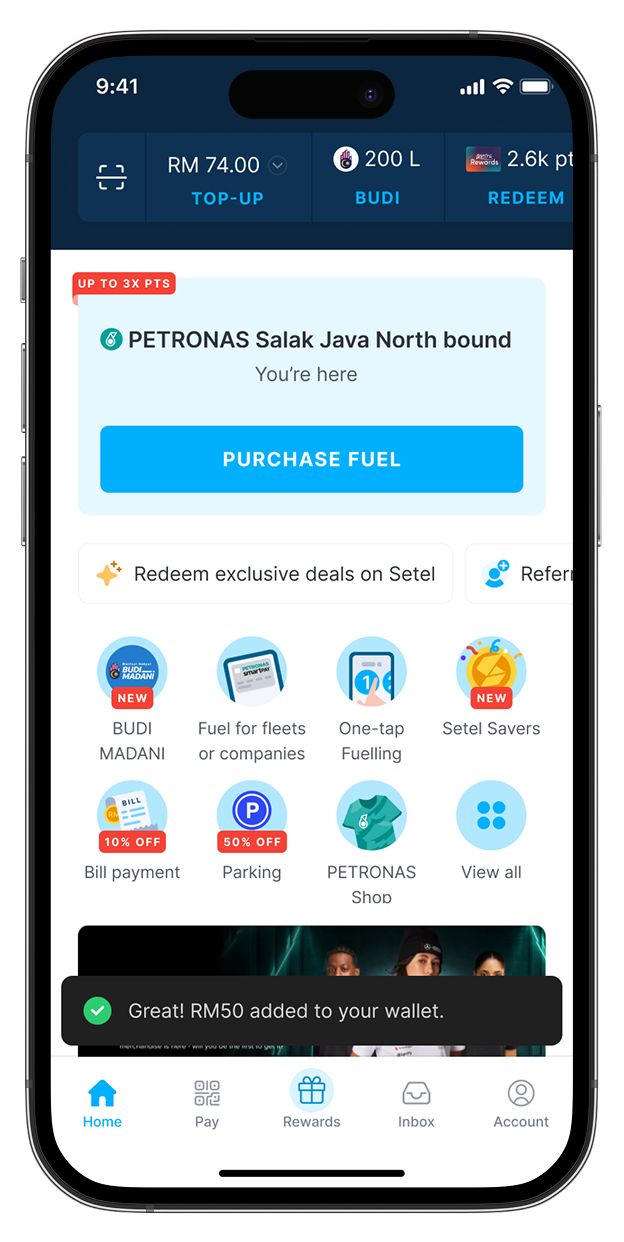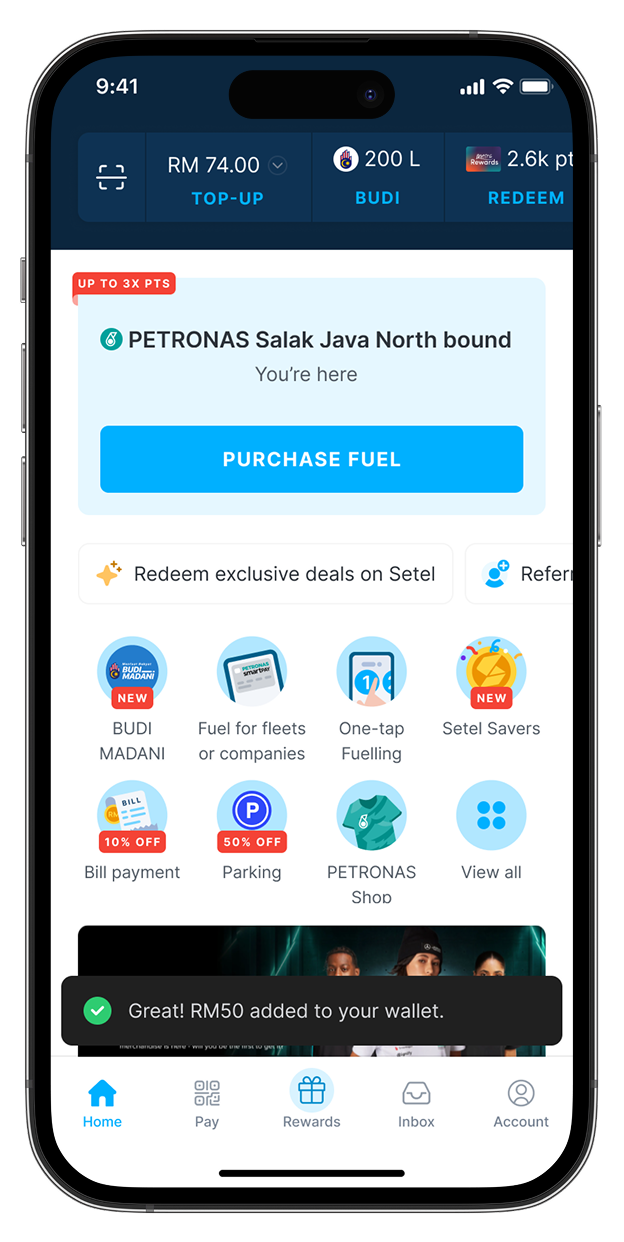
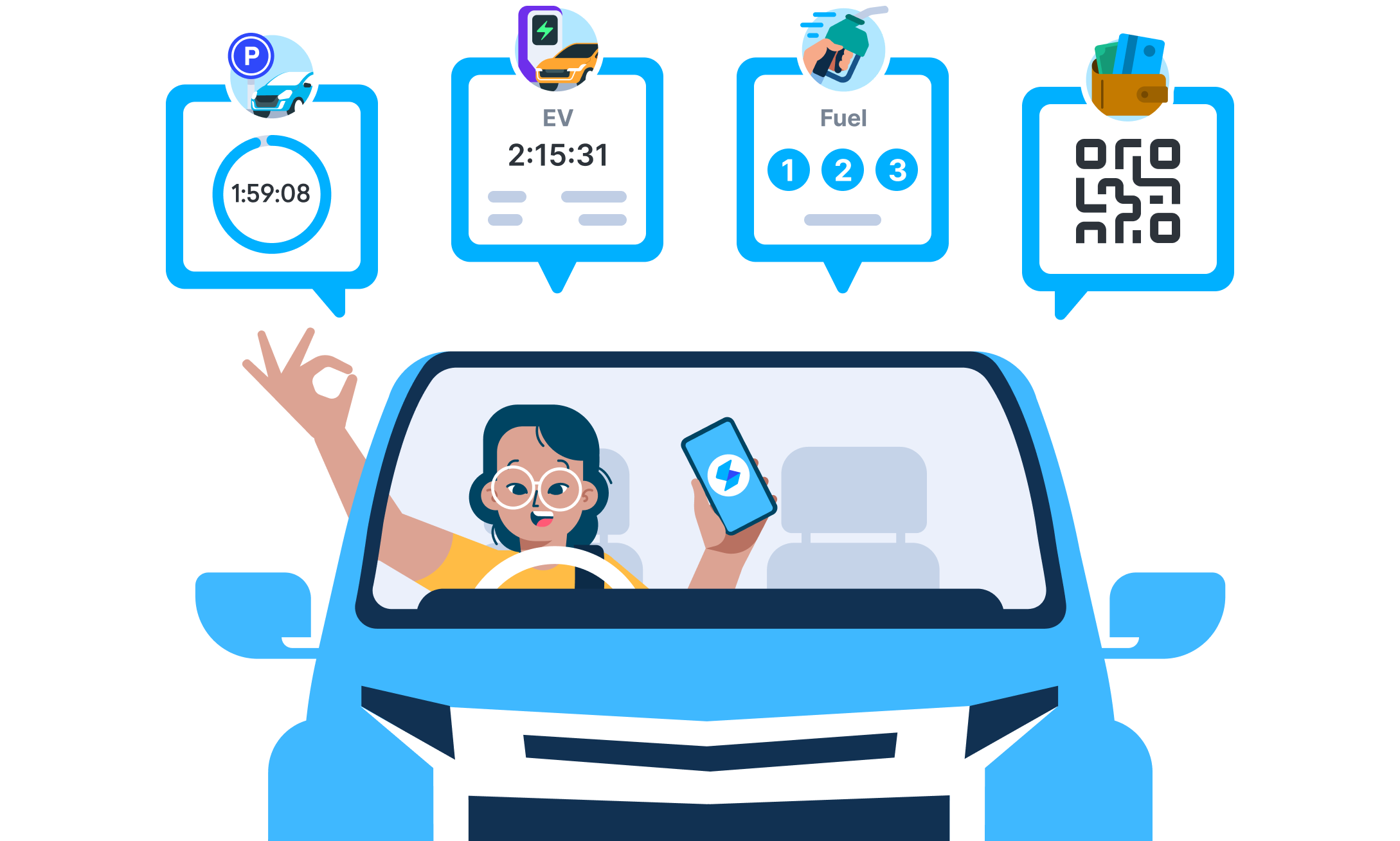



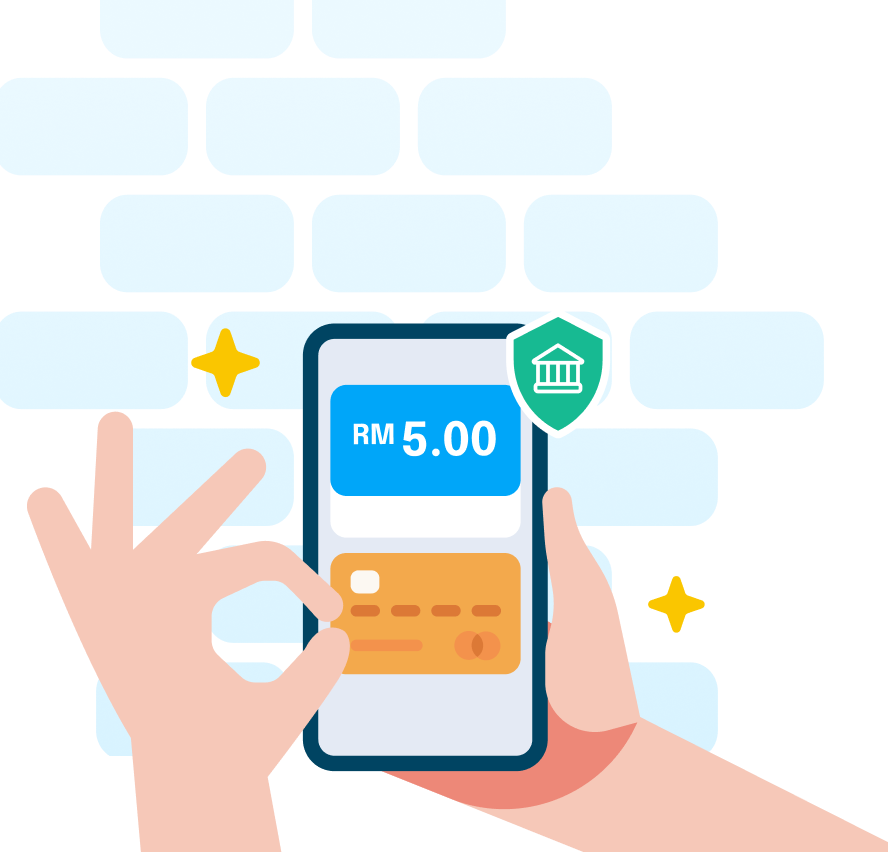
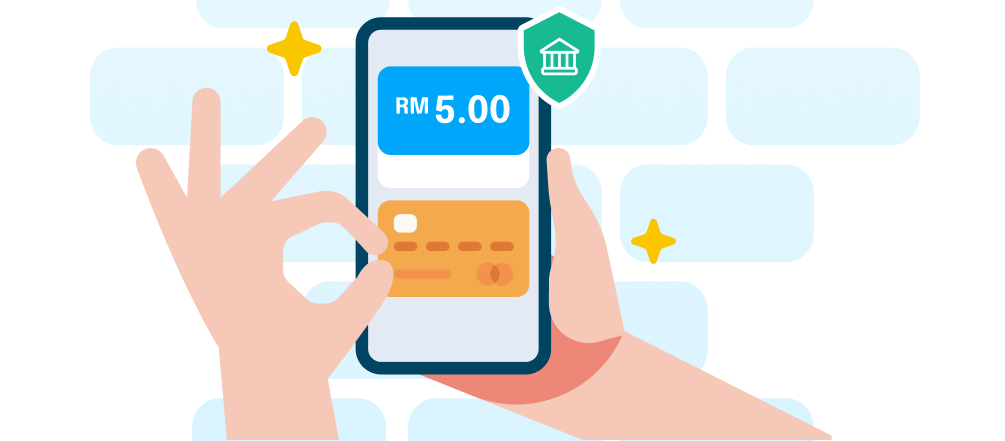
Setel Wallet, an e-Wallet created especially for motorists.

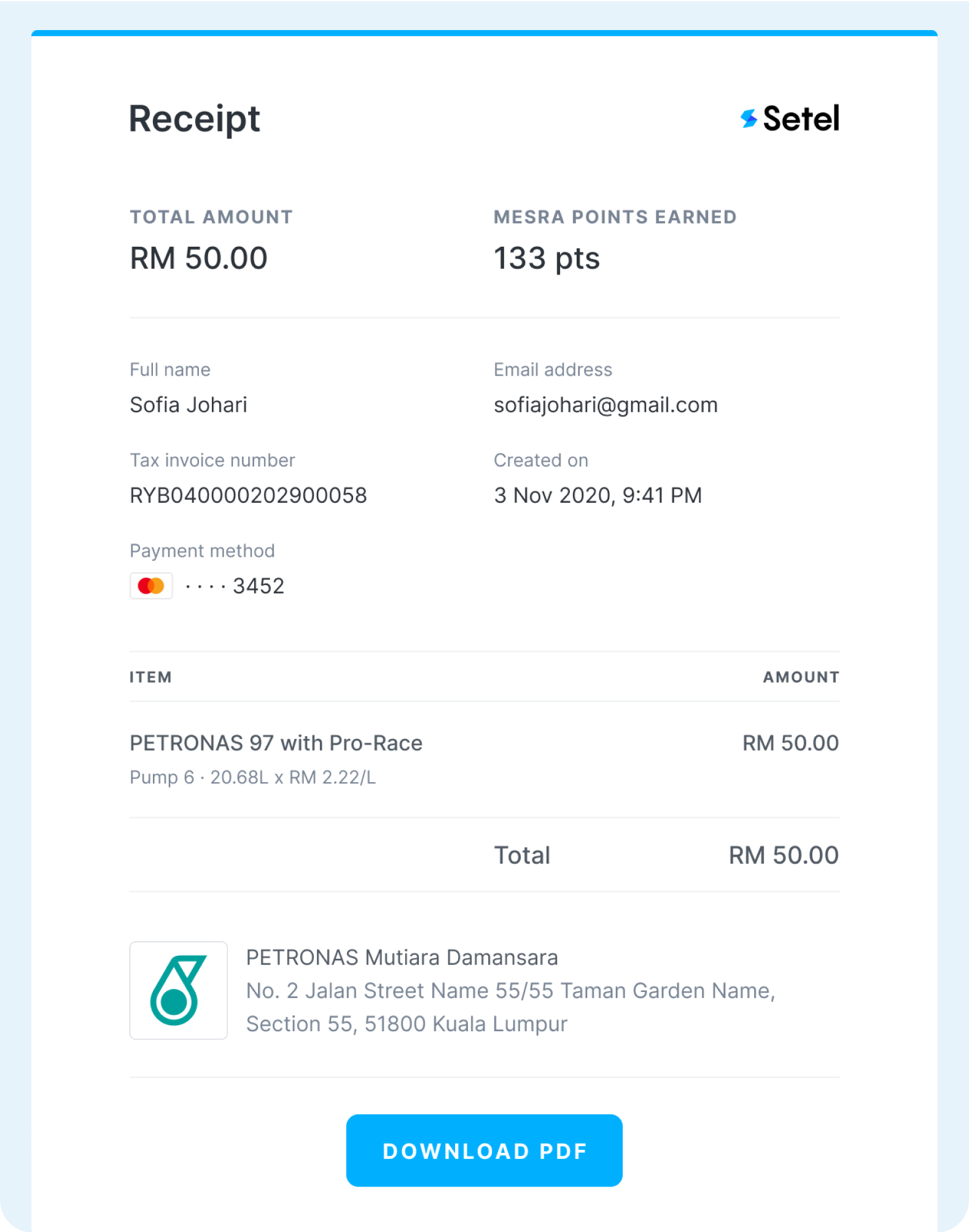
Setel Wallet offers cashless convenience, varieties of top-up methods, and a chance to earn more Mesra points.

Hero Wallet Fg L
1

Cashless convenience

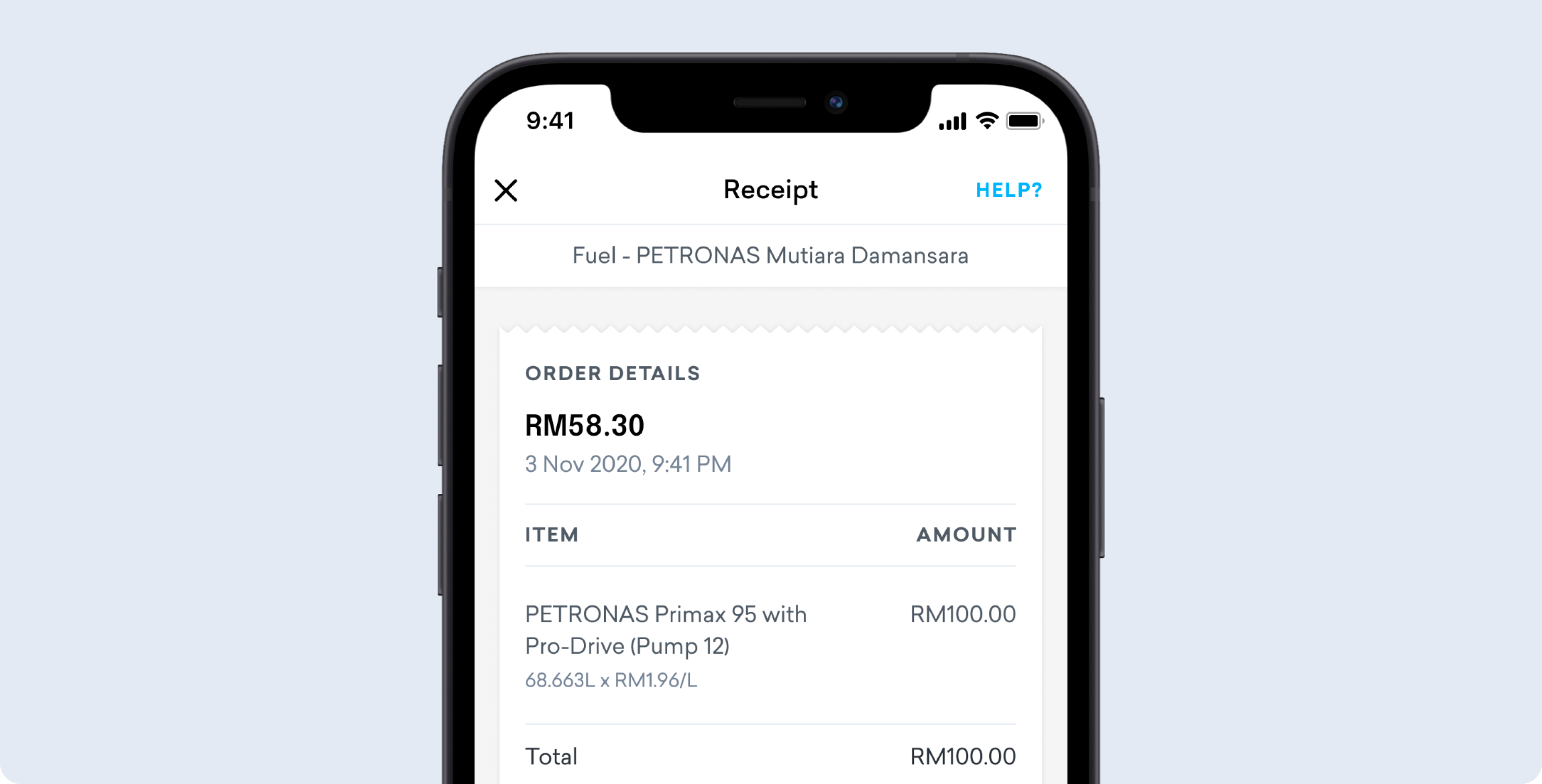
Making it easier for motorists to pay for fuel, parking, EV charging, shopping, and more. Do it all with the Setel Wallet.

2

Many top-up options

Top-up options include credit or debit cards, online banking, cash vouchers, and other e-Wallets (GrabPay, Boost, ShopeePay).

3

Safe & secure

Payments via Setel Wallet need to be authorised using the Setel 6-digit passcode, face and fingerprint authentication.

4

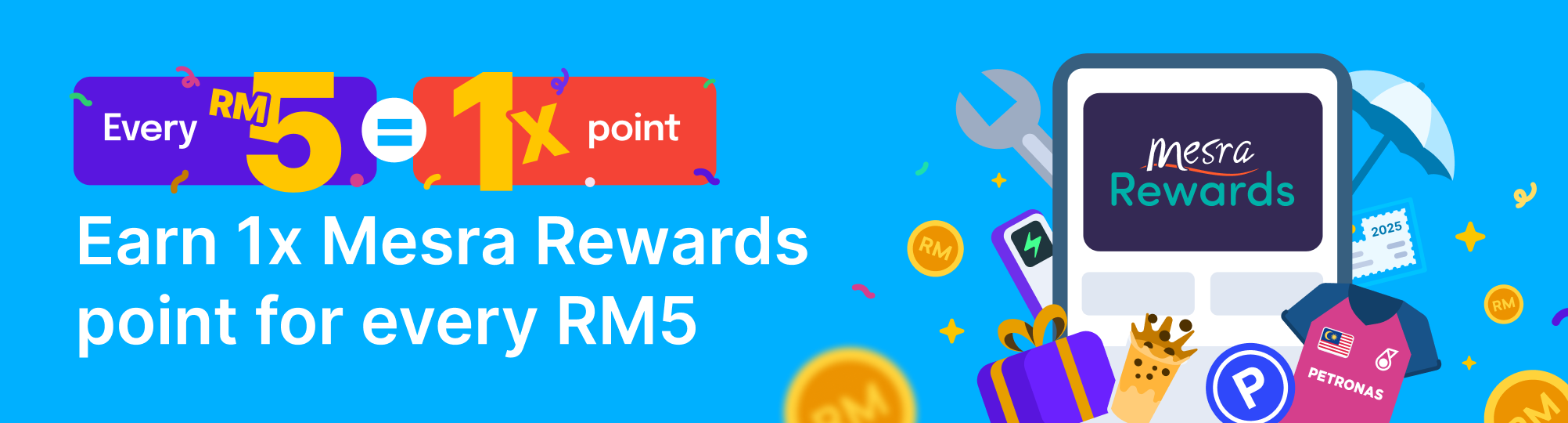
Earn Mesra points

Get points for every transaction with Setel. Points can later be redeemed as Setel Wallet balance.

1

Cashless convenience

Making it easier for motorists to pay for fuel, parking, EV charging, shopping, and more. Do it all with the Setel Wallet.

2

Many top-up options

Top-up options include credit or debit cards, online banking, cash vouchers, and other e-Wallets (GrabPay, Boost, ShopeePay).

3

Safe & secure

Payments via Setel Wallet need to be authorised using the Setel 6-digit passcode, face and fingerprint authentication.

4

Earn Mesra points

Get points for every transaction with Setel. Points can later be redeemed as Setel Wallet balance.

1

Cashless convenience

Making it easier for motorists to pay for fuel, parking, EV charging, shopping, and more. Do it all with the Setel Wallet.

2

Many top-up options

Top-up options include credit or debit cards, online banking, cash vouchers, and other e-Wallets (GrabPay, Boost, ShopeePay).

3

Safe & secure

Payments via Setel Wallet need to be authorised using the Setel 6-digit passcode, face and fingerprint authentication.

4

Earn Mesra points

Get points for every transaction with Setel. Points can later be redeemed as Setel Wallet balance.

Image

The motorist-centric Setel Wallet

Image

The motorist-centric Setel Wallet

The motorist-centric Setel Wallet

Image

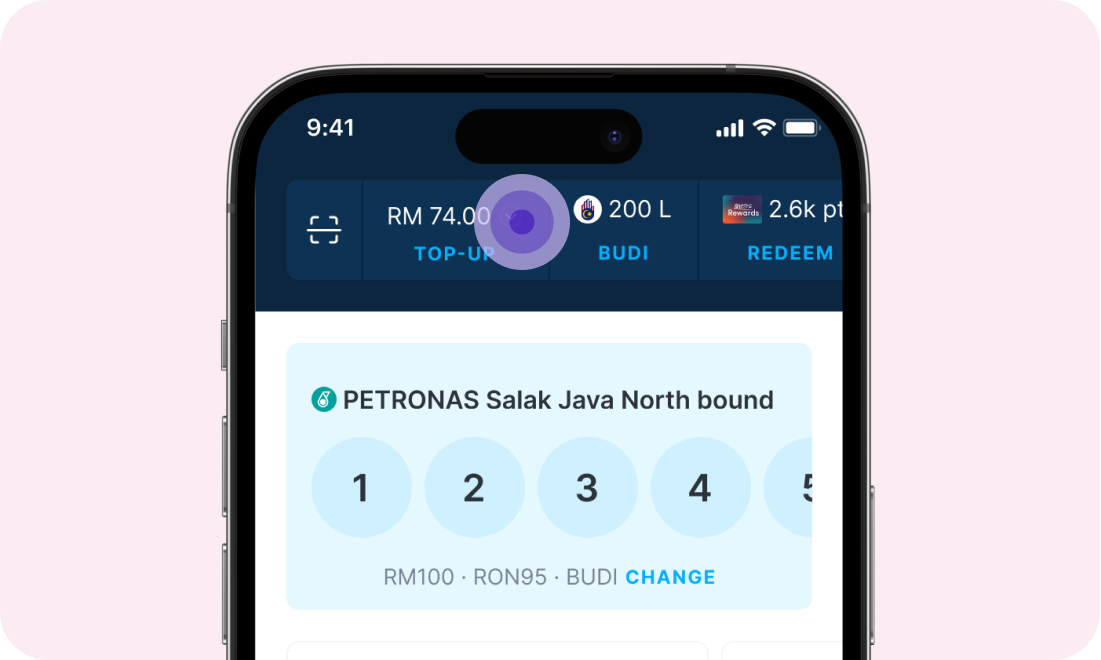
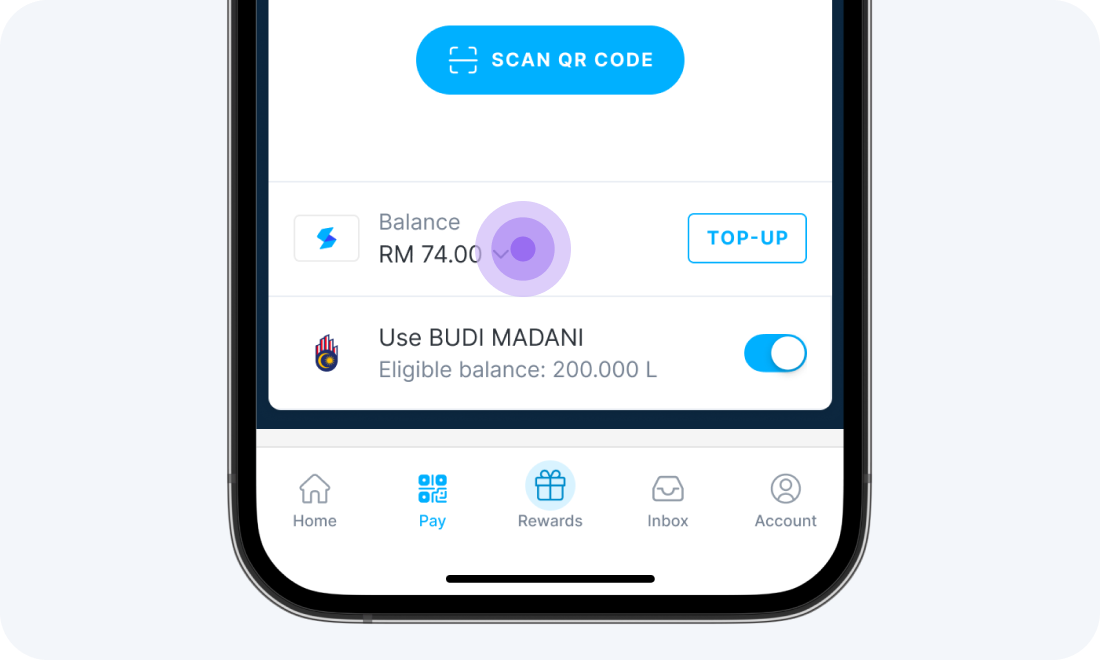
A few shortcuts to top up your Setel Wallet

Just choose one that you like best.

Homepage 3.0 Setel Wallet 1

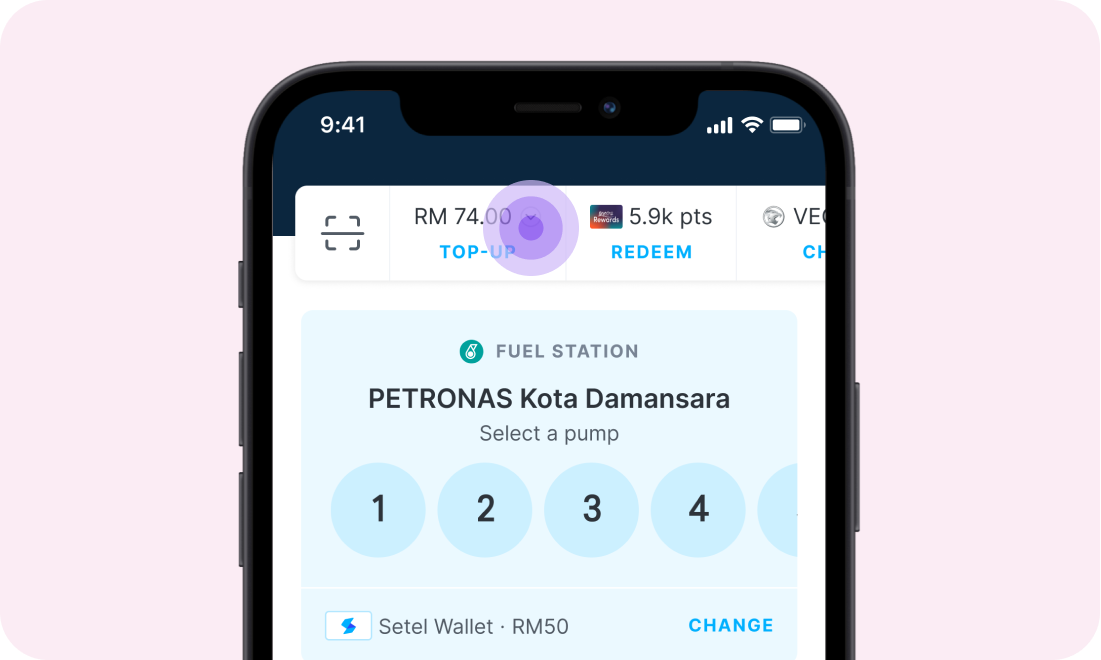
Home

At the Home screen, tap the payment method icon. Look for the ‘Setel Wallet’ section and tap ‘Top-up’.
Homepage 3.0 Setel Wallet 2

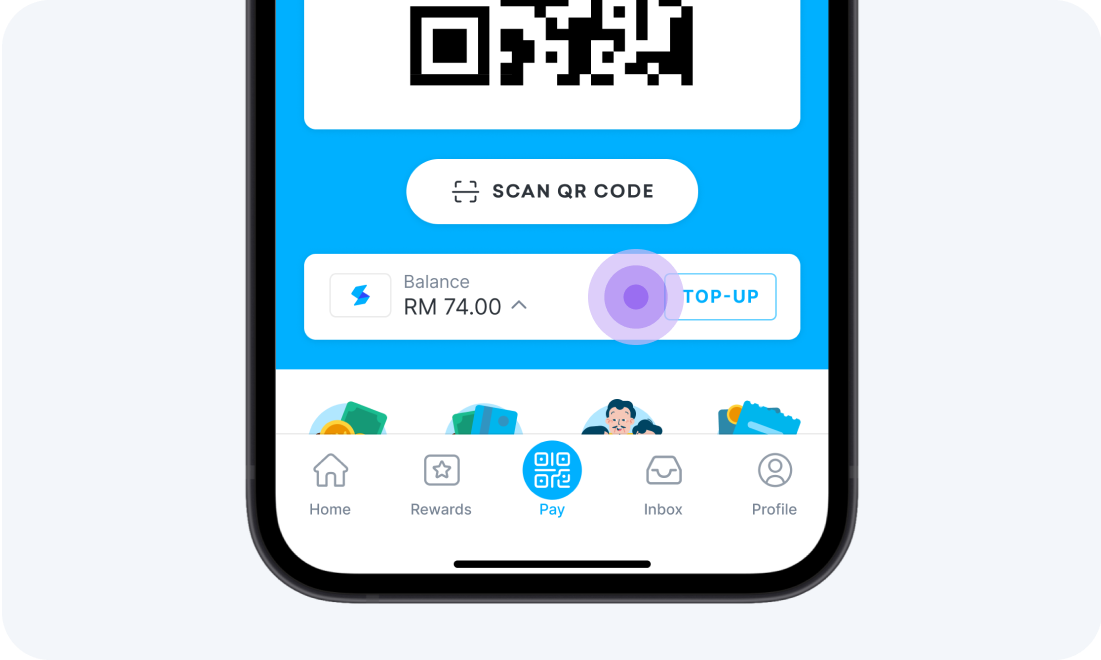
Pay

At the ‘Pay’ screen, tap on the payment method section and choose ‘Setel Wallet’. Once done, just tap ‘Top-up’.
Homepage 3.0 Setel Wallet 3

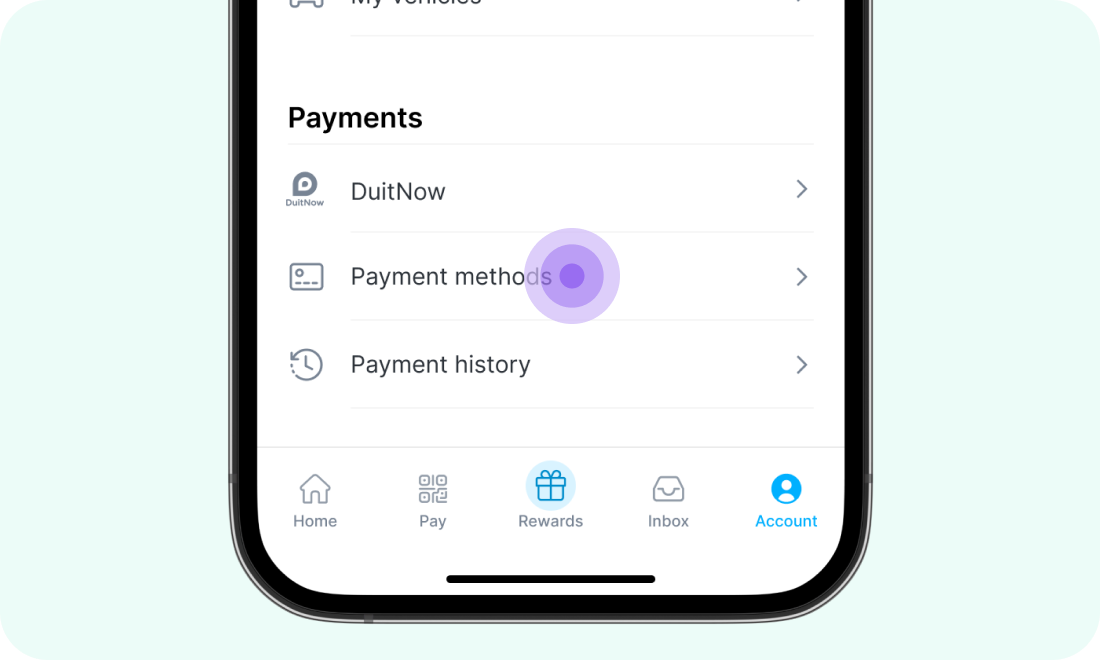
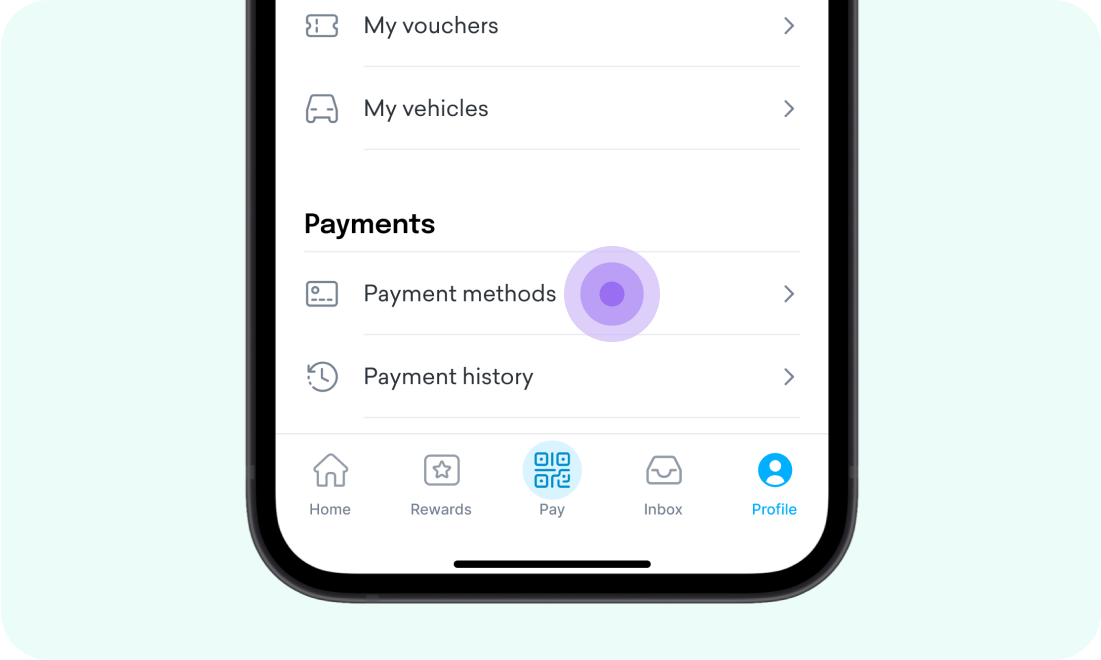
More

At the ‘More’ screen, tap ‘Payment methods’. Look for the Setel Wallet section and tap ‘Top-up’.

Varieties of top-up options

Top-up via DuitNow, online banking, e-Wallets, or cards. We also accept vouchers and over-the-counter cash payments.

Img Duitnowmethod
Img Fpxmethod
Img Ewalletmethod1
Img Ewalletmethod2
Img Ewalletmethod3
Img Creditmethod1
Img Creditmethod2

Varieties of top-up options

Top-up via DuitNow, online banking, e-Wallets, or cards. We also accept vouchers and over-the-counter cash payments.

Img Duitnowmethod
Img Fpxmethod
Img Ewalletmethod1
Img Ewalletmethod2
Img Ewalletmethod3
Img Creditmethod1
Img Creditmethod2

Duitnow transfer

The zero-fee option, transfer from any of our supported banks

Dvs Duitnow 1

Step 1

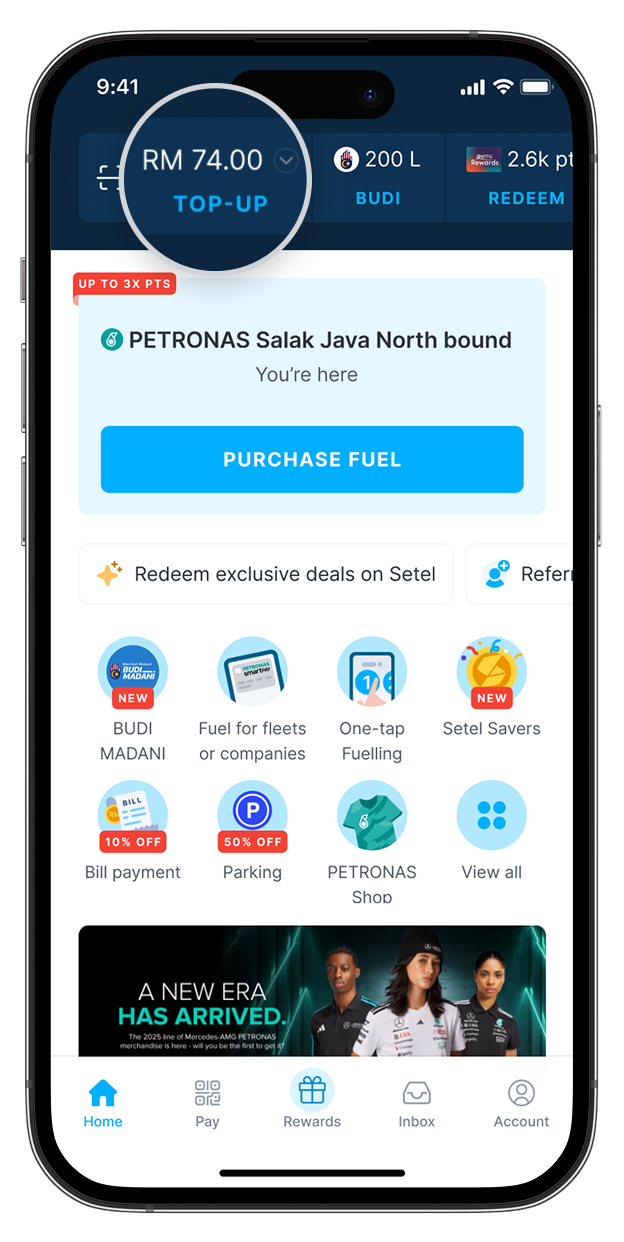
Tap Top-up on the homepage.

Dvs Duitnow 2

Step 2

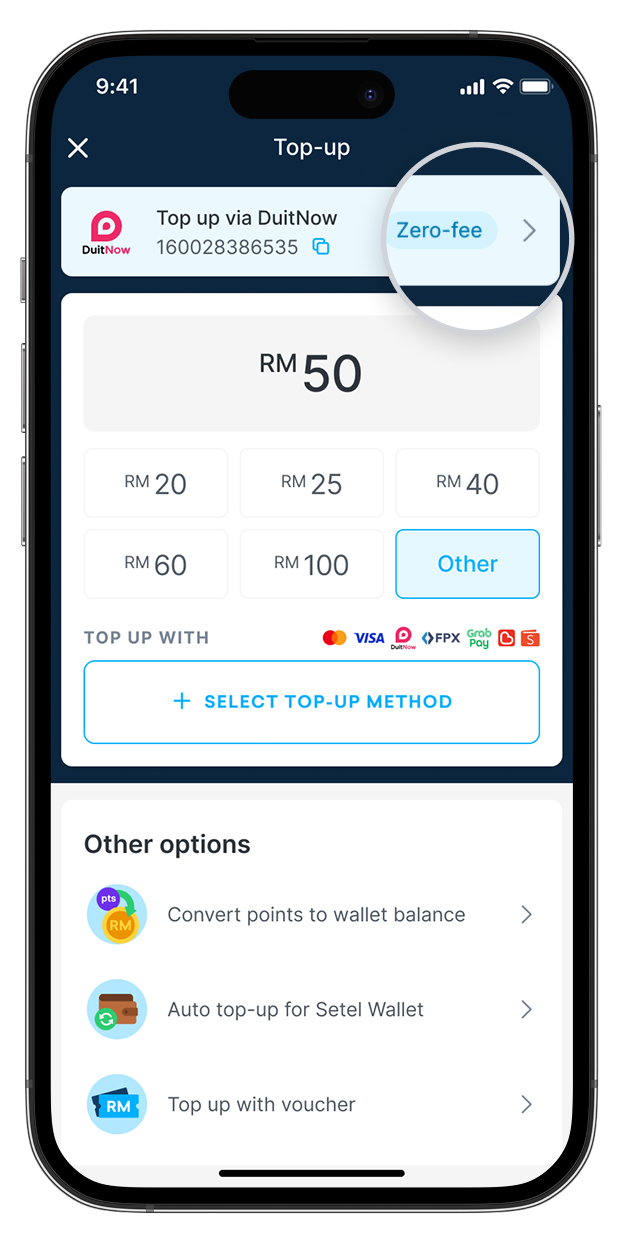
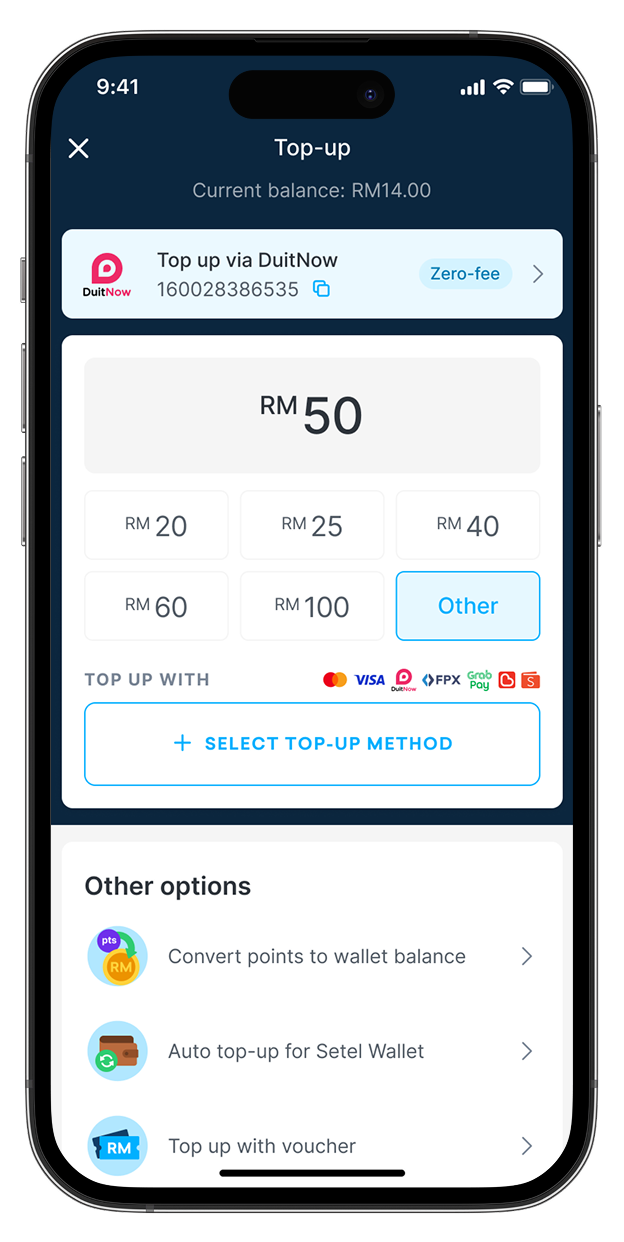
At the ‘Top-up’ screen, choose ‘Top up via DuitNow’.
Dvs Duitnow 3

Step 3

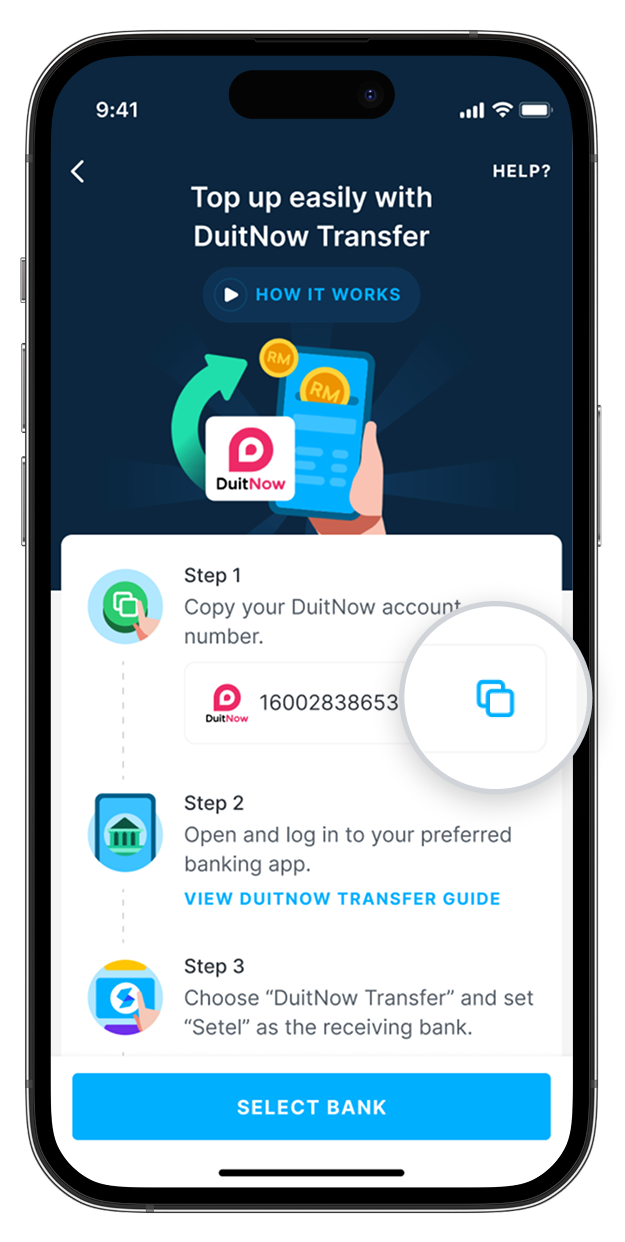
Copy your DuitNow account number and tap ‘Select bank’.
Dvs Duitnow 4

Step 4

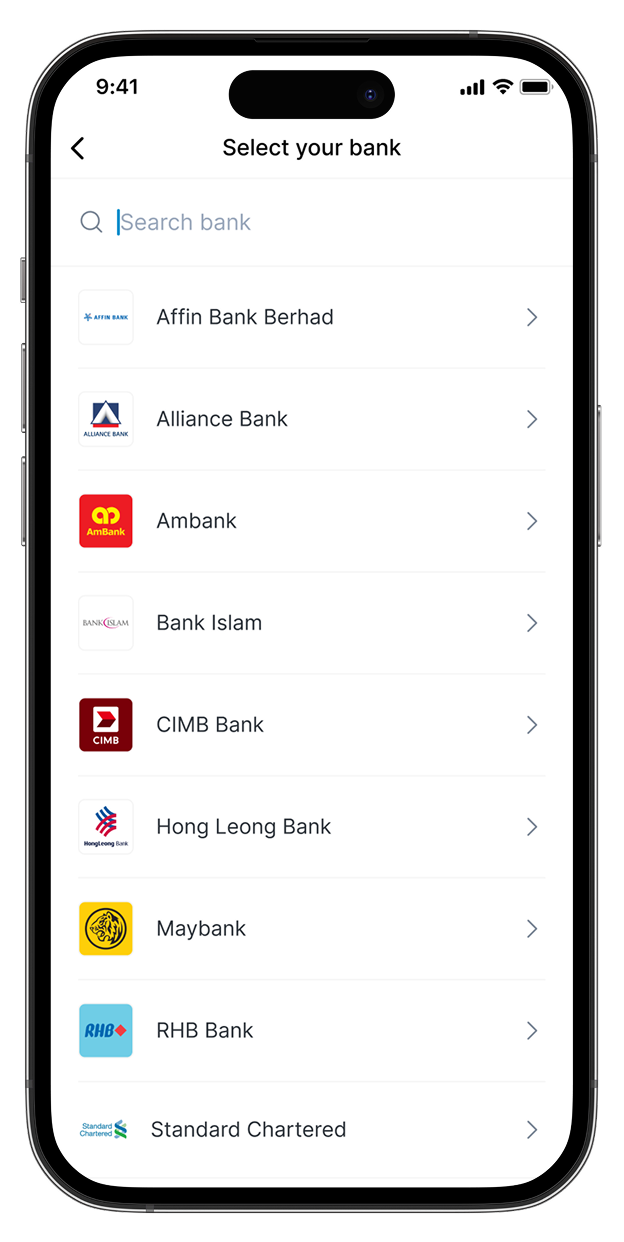
Choose your preferred bank from the list to continue the transfer.

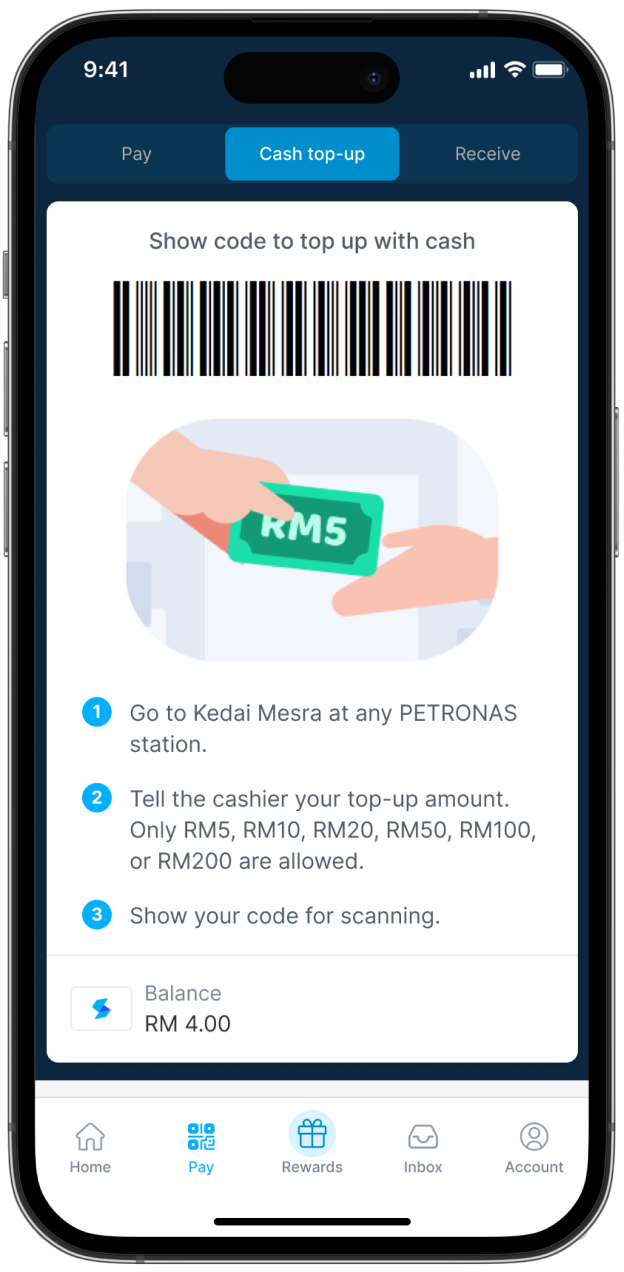
Cash top-up at counter

The simplest way to top up your Setel Wallet with cash at any PETRONAS station

Dvs Cashtopup 1

Step 1

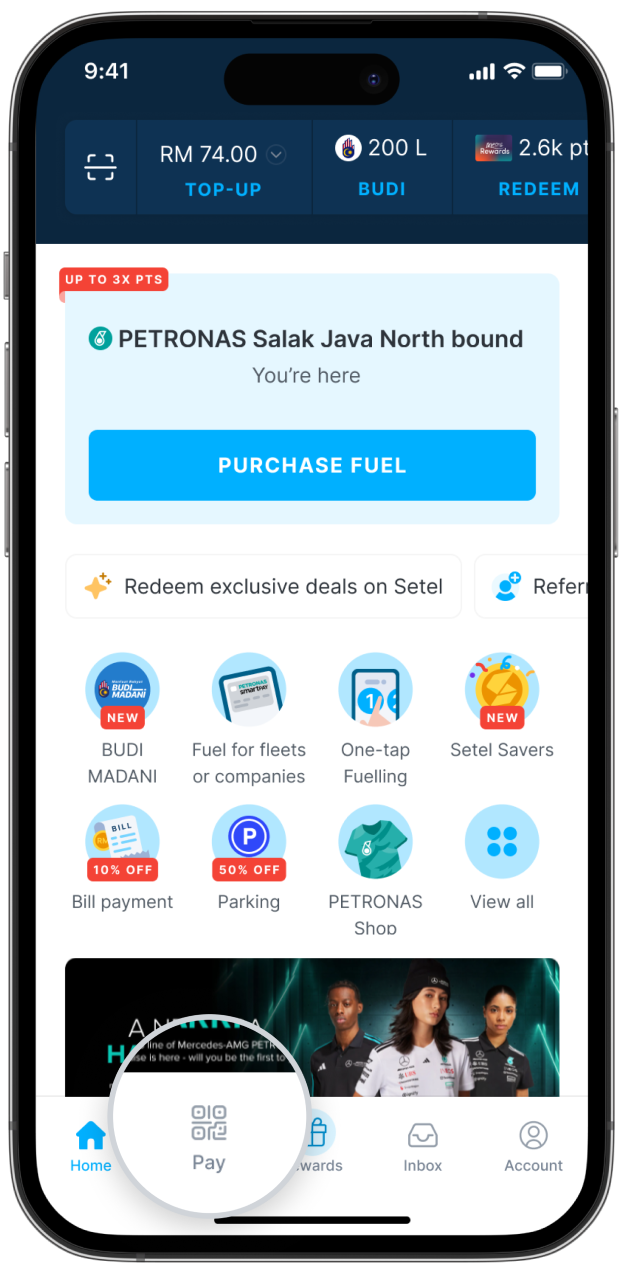
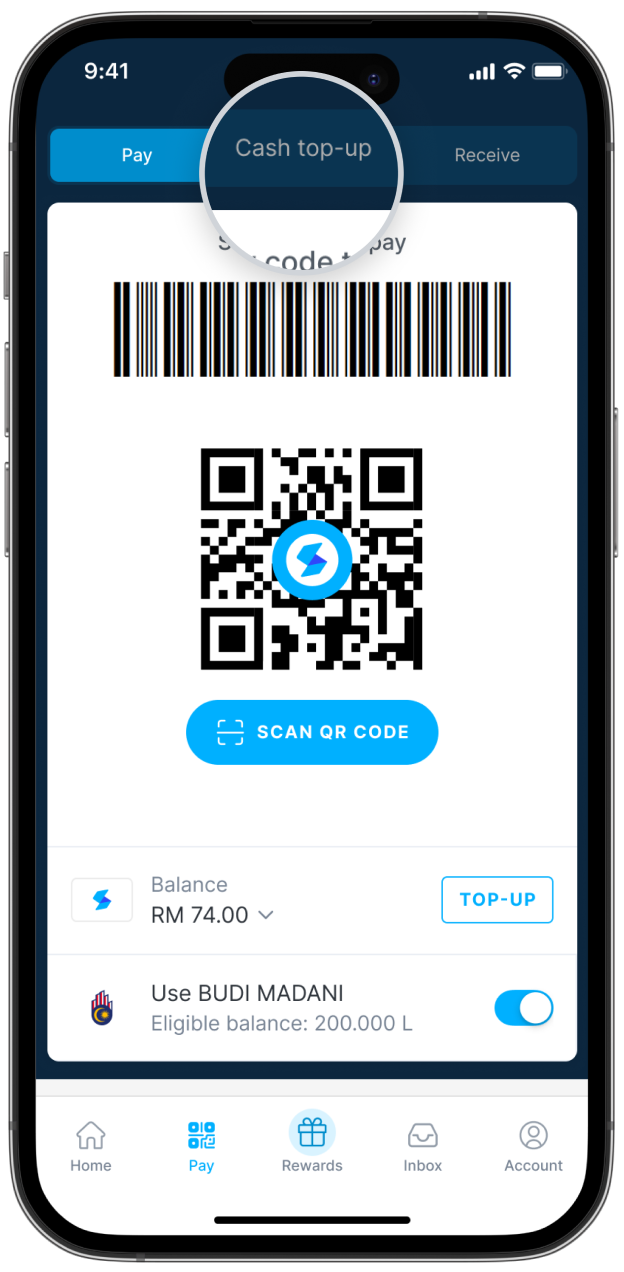
Launch Setel, tap ‘Pay’ or ‘Top up with cash at PETRONAS’ quick link

Dvs Cashtopup 2

Step 2

Show your code for scanning.

Dvs Cashtopup 3

Step 3

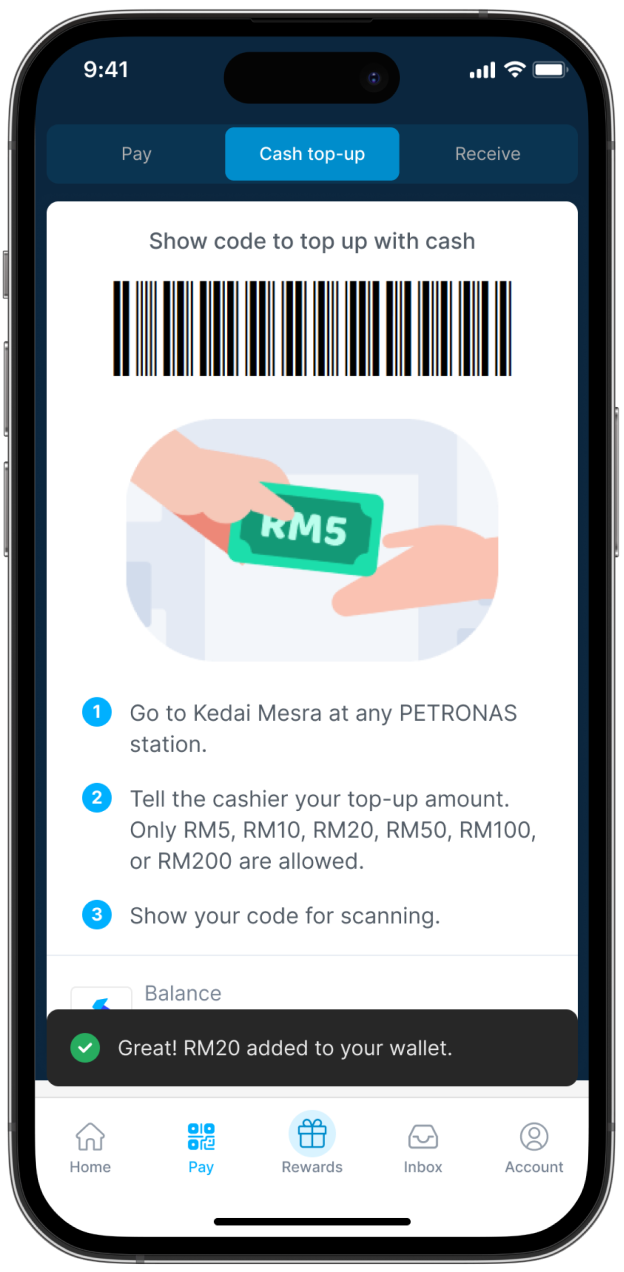
Top-up successful! Now you can pay with your Setel Wallet.

Online banking

The classic online banking, top-up amount will be deducted directly from your bank account

Dvs Online 1

Step 1

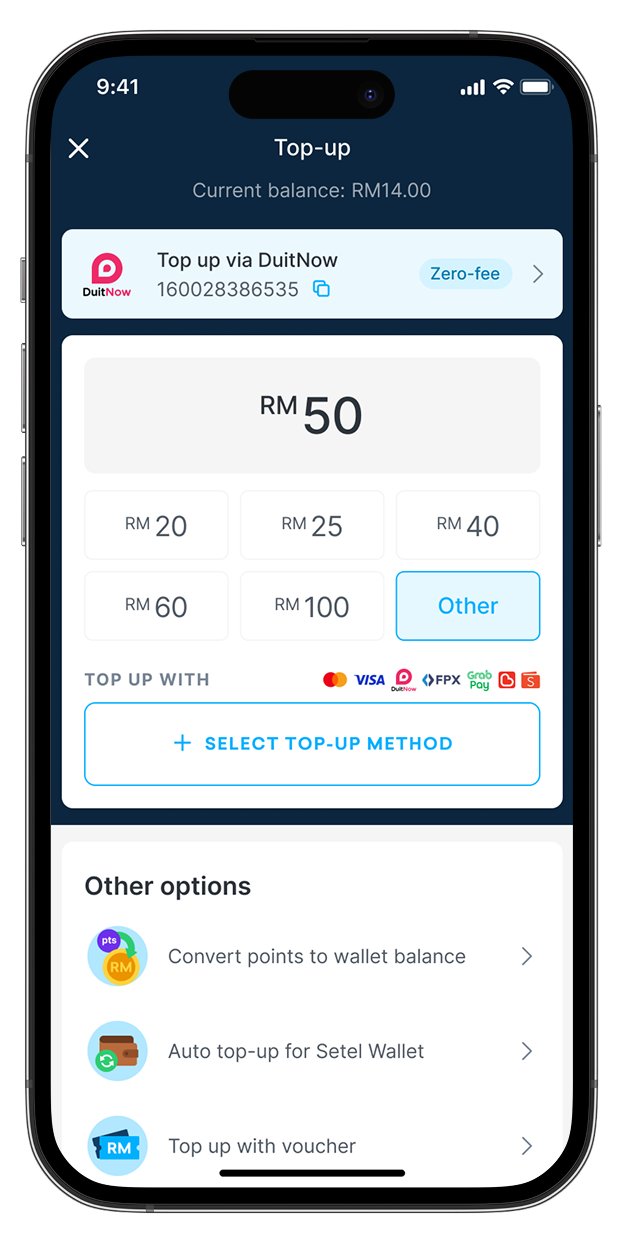
At the ‘Top-up’ screen, select a top-up amount.

Dvs Online 2

Step 2

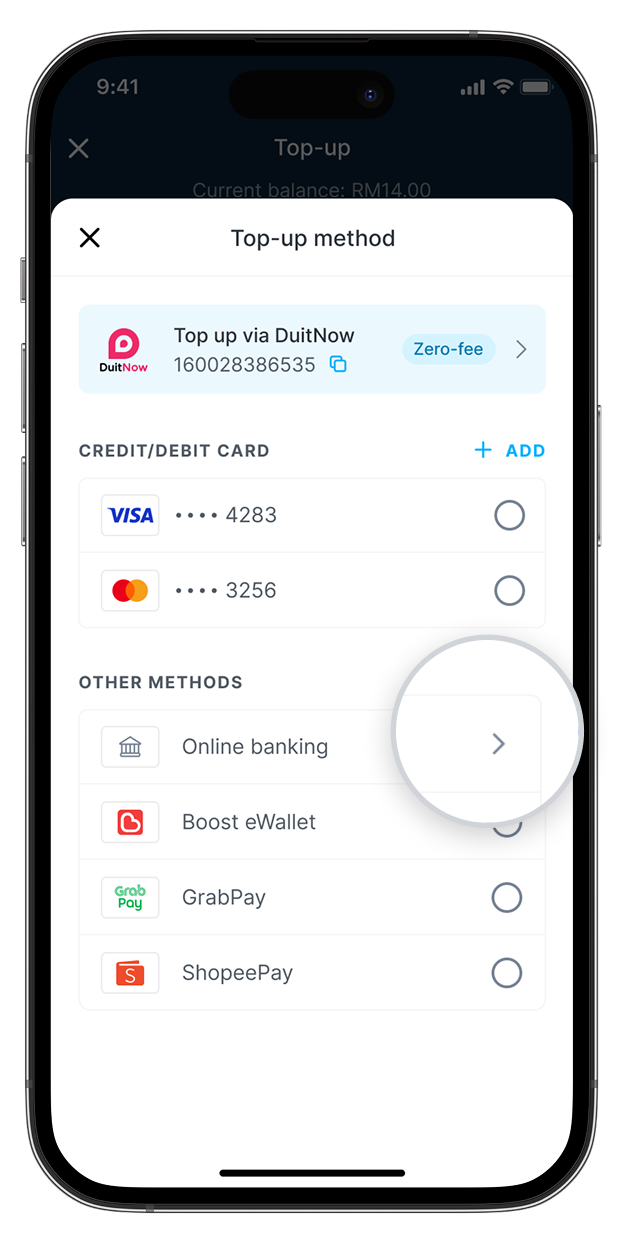
Choose ‘Online banking’ and tap ‘Top-up now’.

Dvs Online 3

Step 3

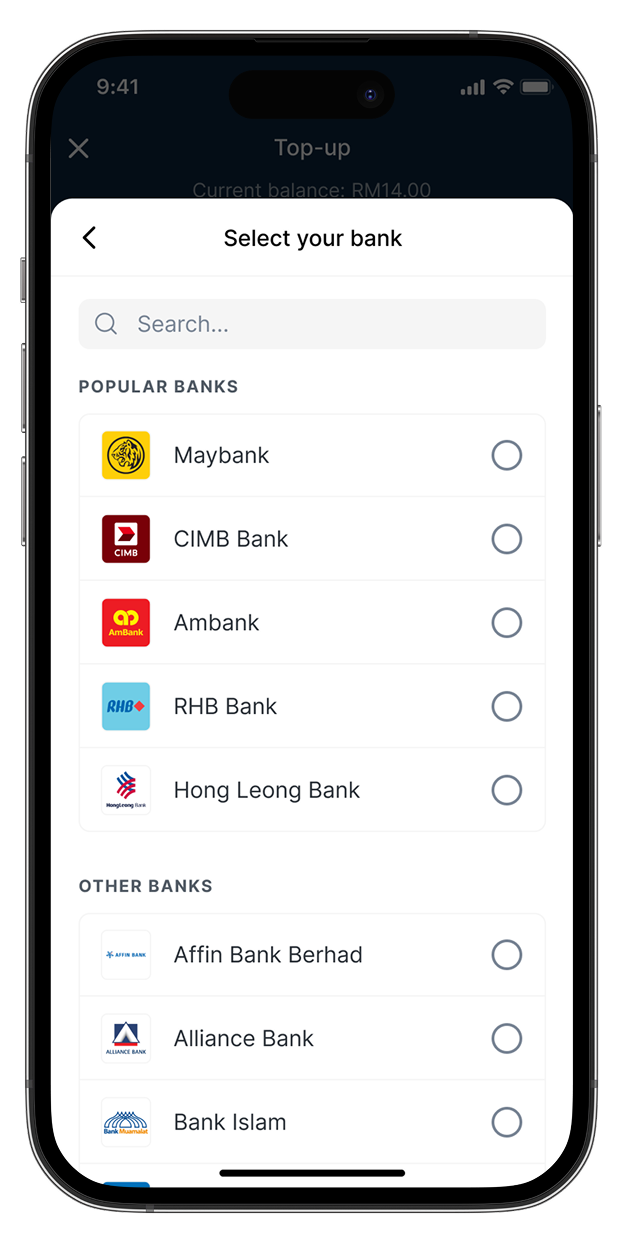
Select bank. You’ll be redirected to the online banking page.

Dvs Online 4

Step 4

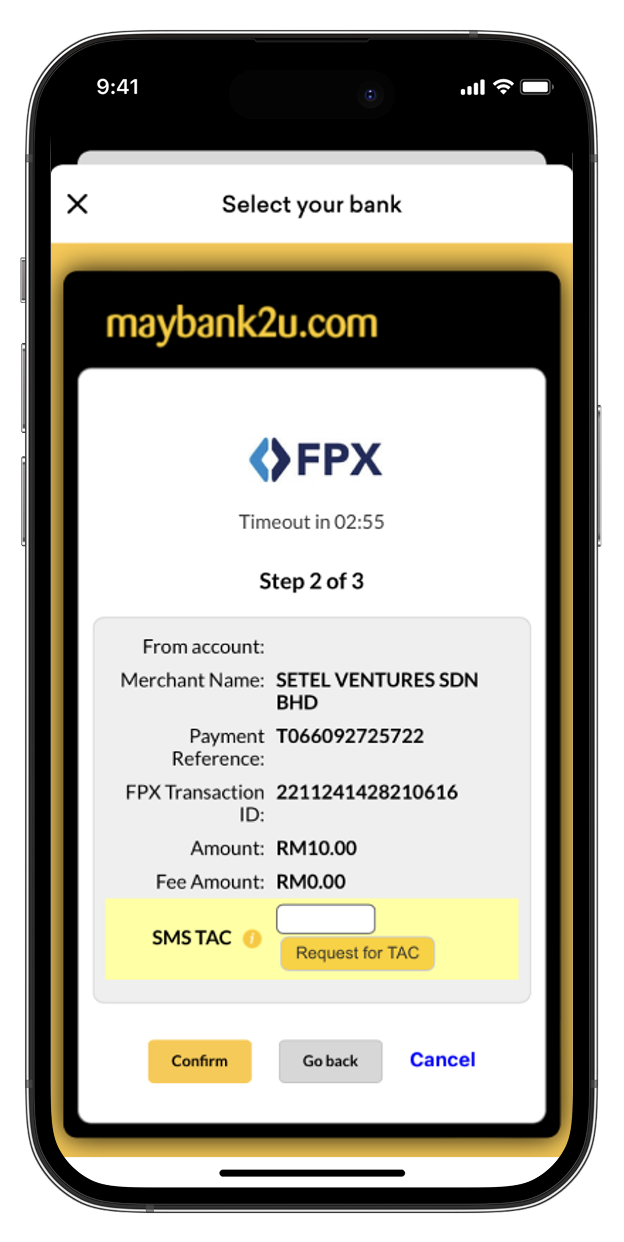
Log in and request for TAC, which will be sent via SMS. Enter the TAC correctly.

Dvs Online 5

Step 5

Done! Now you pay with your Setel Wallet.

e-Wallet

Well-connected with other e-Wallets

Dvs Ewallet 1

Step 1

At the ‘Top-up’ screen, select a top-up amount.

Dvs Ewallet 2

Step 2

Choose your preferred
e-Wallet and ‘Top-up now.’

Dvs Ewallet 3

Step 3

Verify your payment accurately.

Dvs Ewallet 4

Step 4

Done! Now you pay with your Setel Wallet.

Credit card or debit card

Link your card via CardTerus and enjoy speedy top-up with your credit or debit cards

Dvs Card 1

Step 1

At the ‘Top-up’ screen, select a top-up amount.

Dvs Card 2

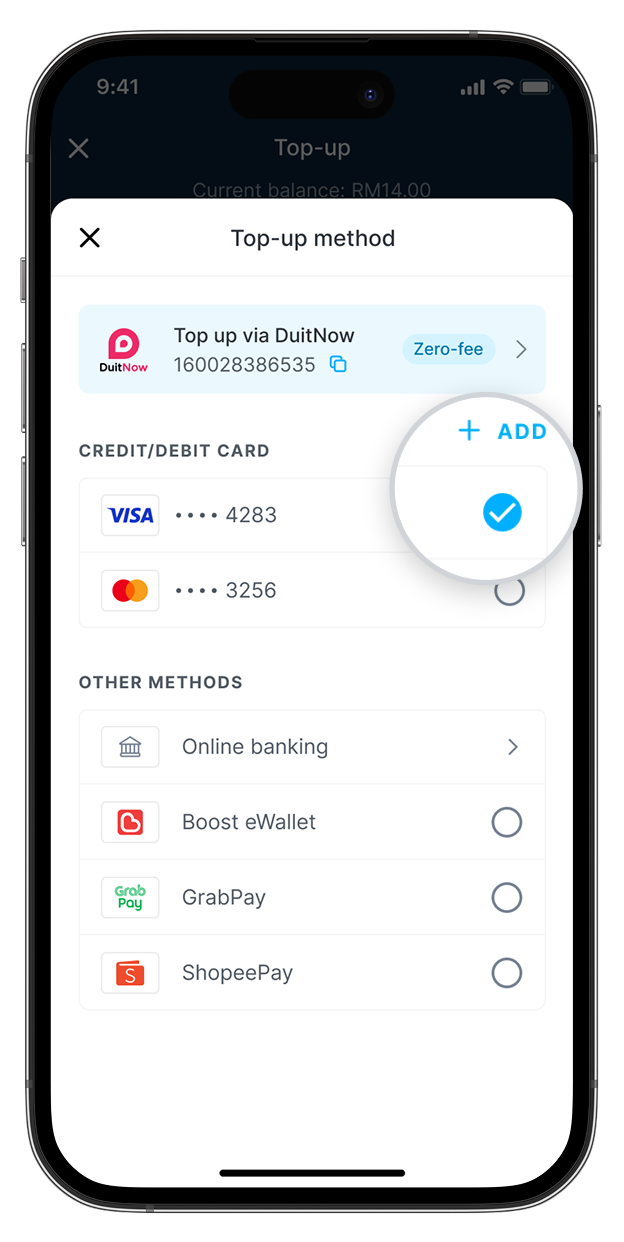
Step 2

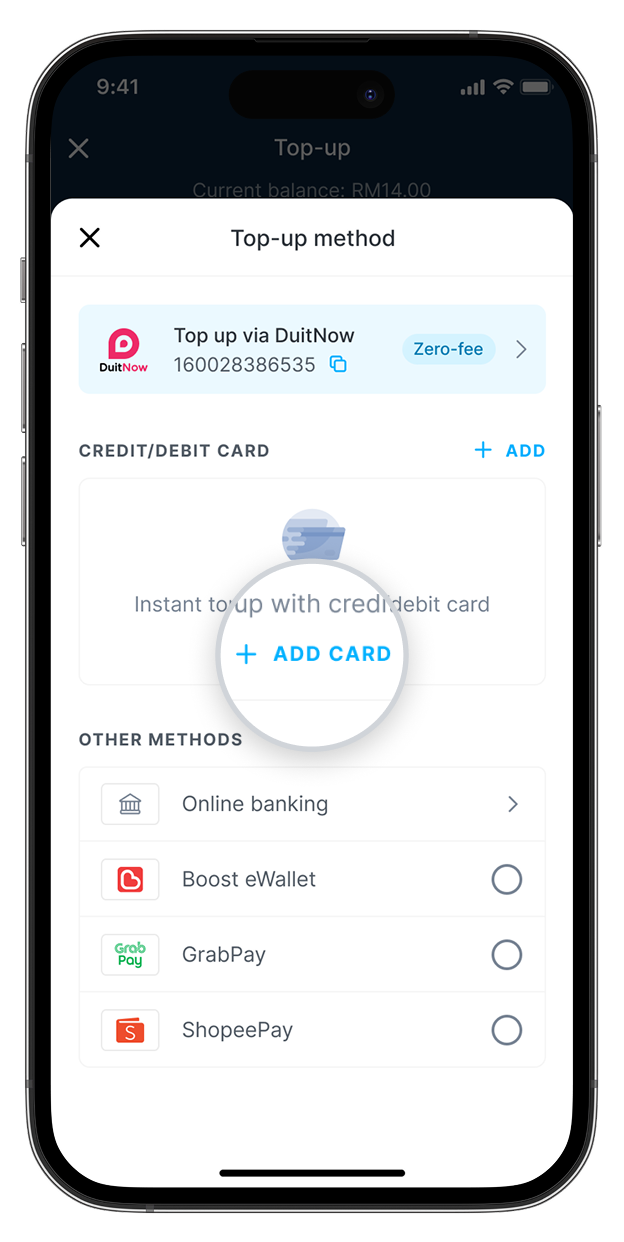
Click ‘Add card’ at the credit/debit card section.

Dvs Card 3

Step 3

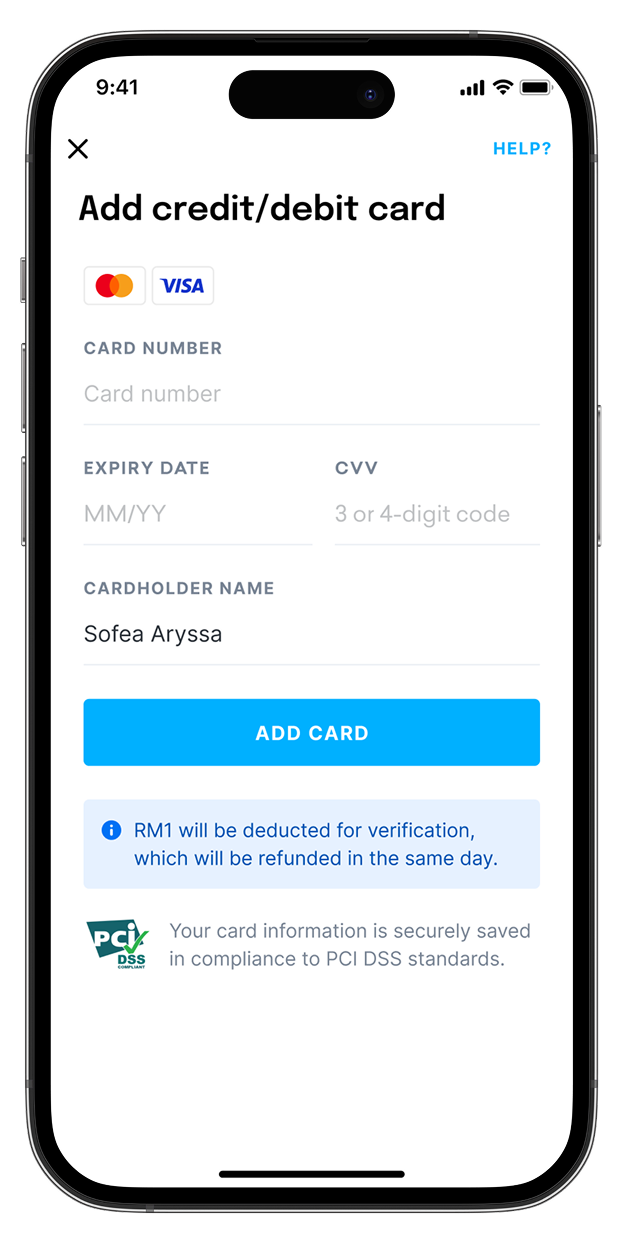
Enter your card details and tap ‘Add card’.

Dvs Card 4

Step 4

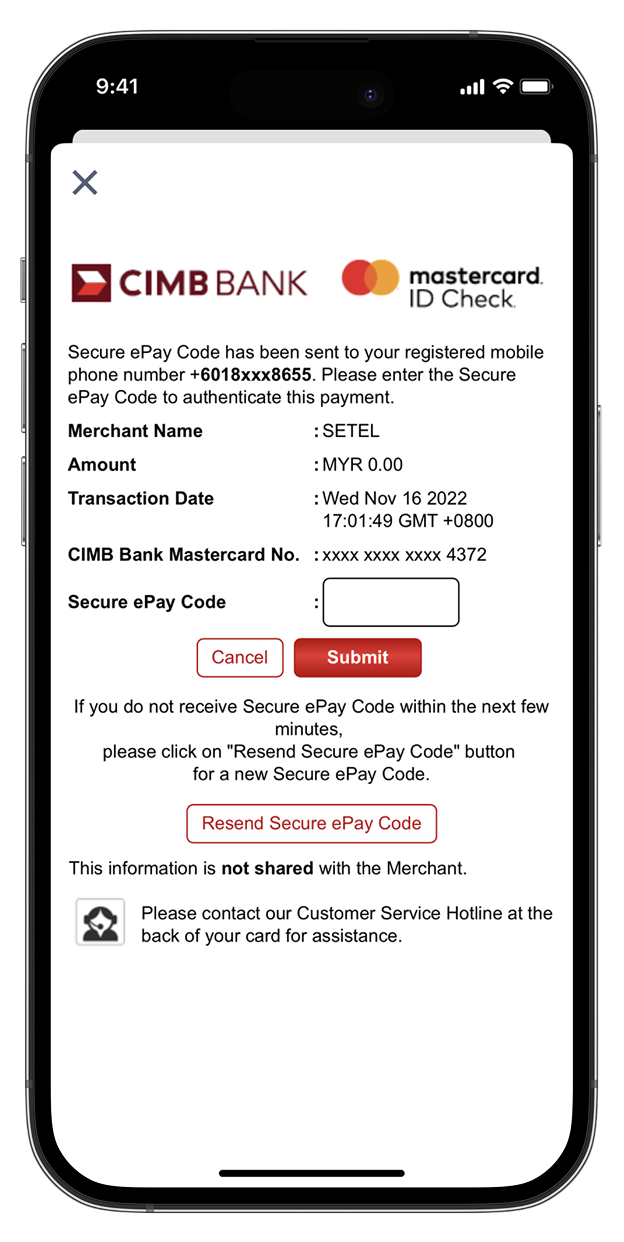
Enter the security code that was sent to your mobile.

Dvs Card 5

Step 5

Your card is added to Setel. Use it to top up in an instant!

*You will be charged RM1 during verification. The amount will be refunded immediately.

Voucher

Voucher top-up, purchasable at PETRONAS Shop

Dvs Voucher 1

Step 1

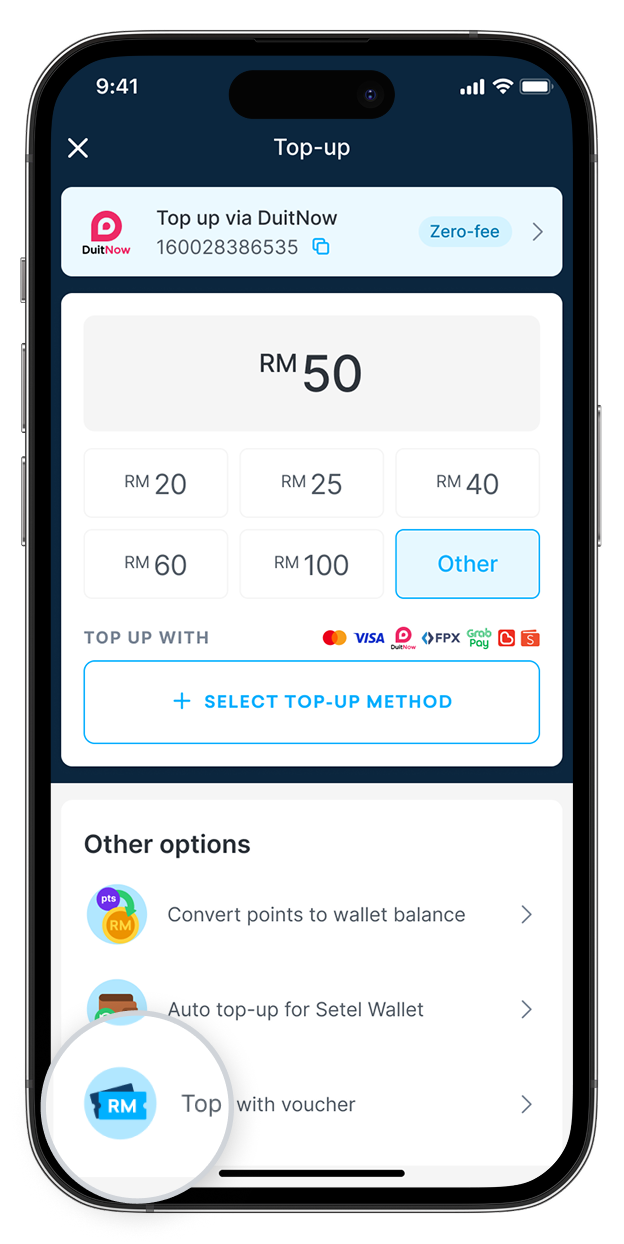
At the ‘Top-up’ screen, choose ‘Top up with voucher’.

Dvs Voucher 2

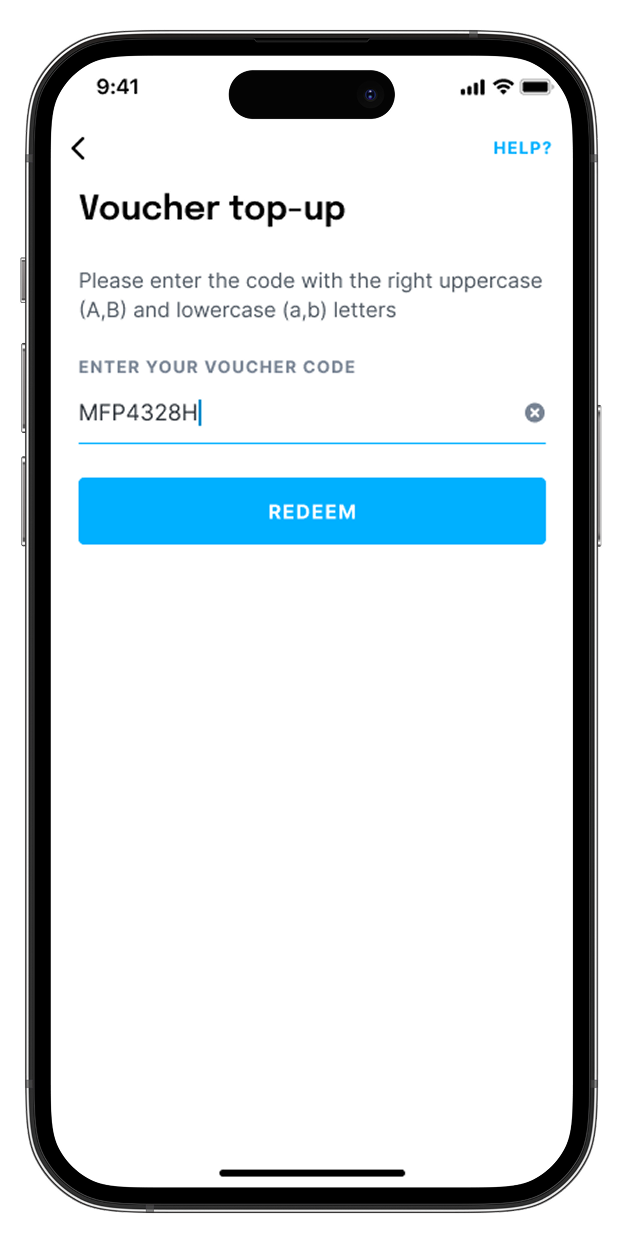
Step 2

Key in the voucher code which can be found on the voucher.

Dvs Voucher 3

Step 3

Done! Now you can pay with your Setel Wallet.

Pay with Setel Wallet for motorist-related matters and more

Scan Qr Code

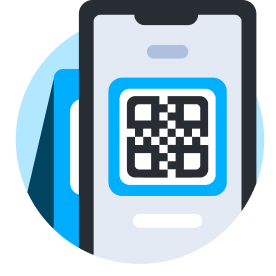
Physical stores

Use the Setel QR code to pay for automotive parts, food, clothes, and more.

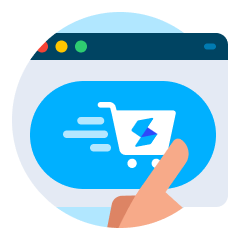
One Click Checkout

Online stores

Fast and easy payment at a wide variety of selected online stores.

Fuel

Petrol stations

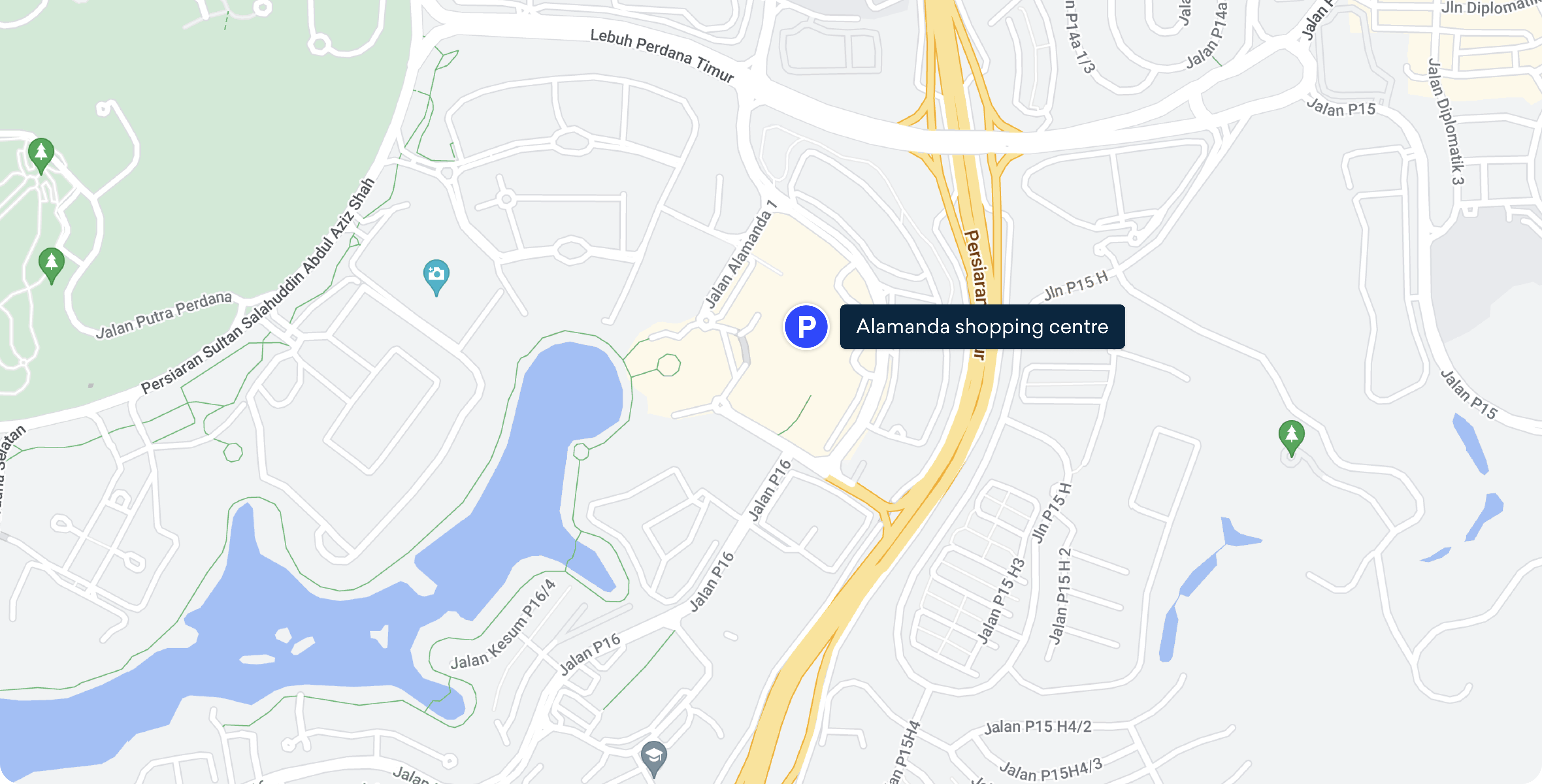
The new way to pay for fuel. Pay and activate fuel pump from your vehicle.

While fuelling, you can order food from the app and have it delivered to your vehicle.

Use Setel to pay, activate, and monitor charging sessions.

Purchase protection plans through the app and have the e-policy sent to your email.

Request for help using Setel if your vehicle breaks down.

Parking

Parking

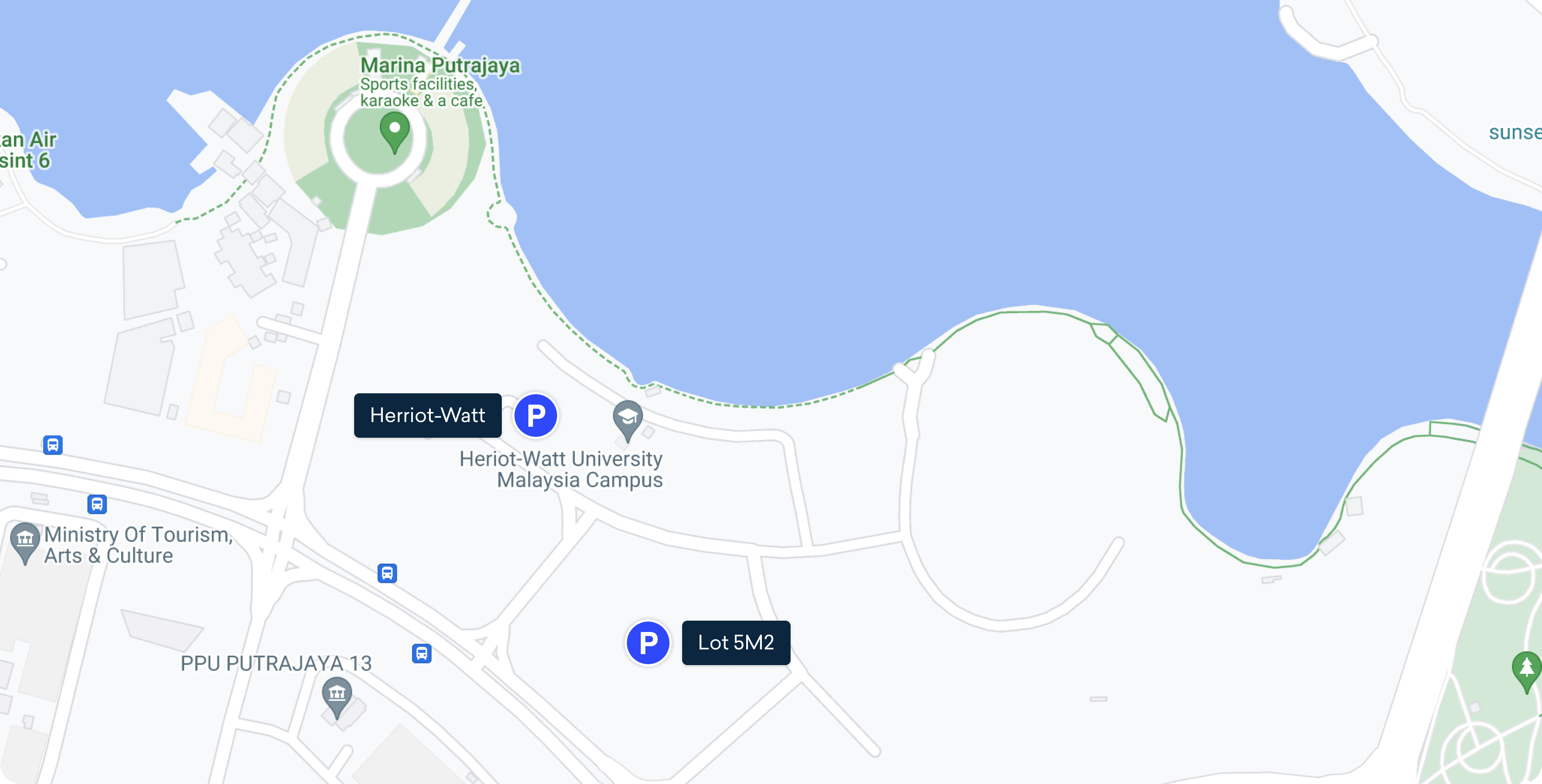
Pay and monitor parking sessions through the Setel app.

Renew road tax online with Setel, and have it delivered to your doorstep.

Scan Qr Code

Physical stores

Use the Setel QR code to pay for automotive parts, food, clothes, and more.

One Click Checkout

Online stores

Fast and easy payment at a wide variety of selected online stores.

Fuel

Petrol stations

The new way to pay for fuel. Pay and activate fuel pump from your vehicle.

While fuelling, you can order food from the app and have it delivered to your vehicle.

Use Setel to pay, activate, and monitor charging sessions.

Purchase protection plans through the app and have the e-policy sent to your email.

Request for help using Setel if your vehicle breaks down.

Parking

Parking

Pay and monitor parking sessions through the Setel app.

Renew road tax online with Setel, and have it delivered to your doorstep.

What else can Setel do for you?

Need more info?

Just head on to our Help Centre for more in-depth information about Setel.