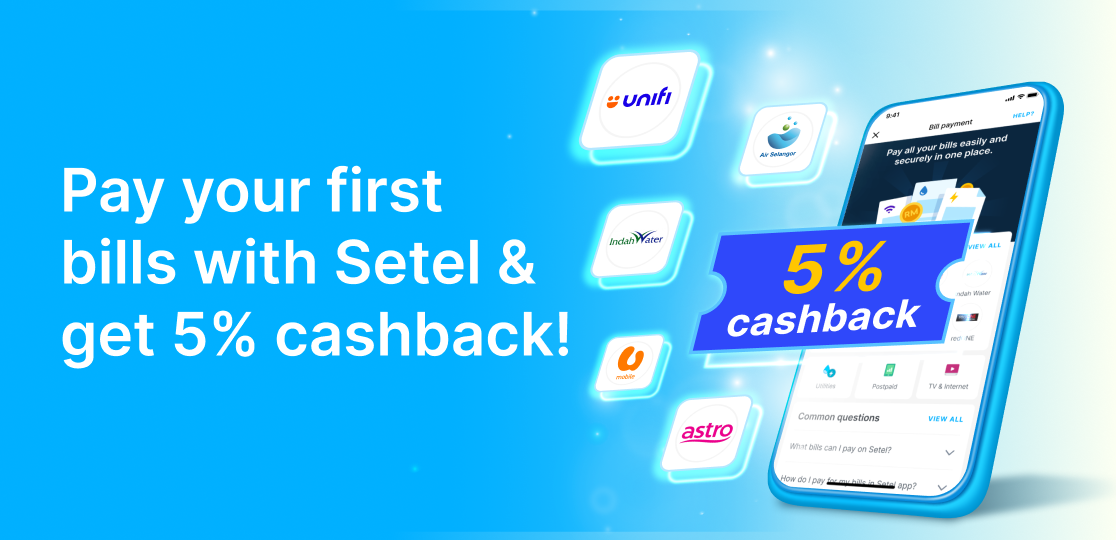
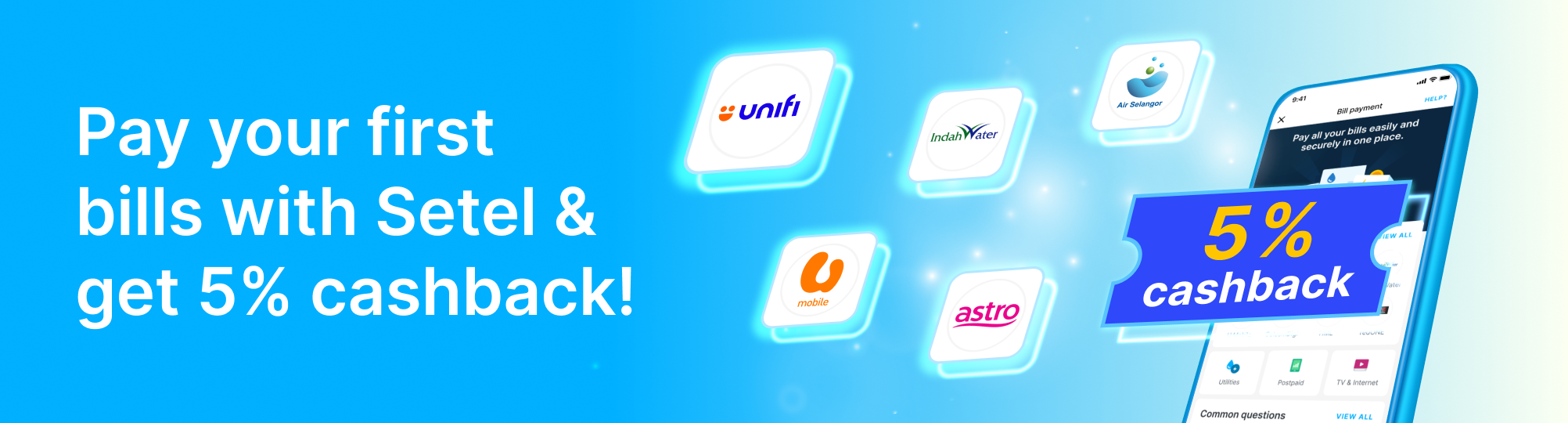
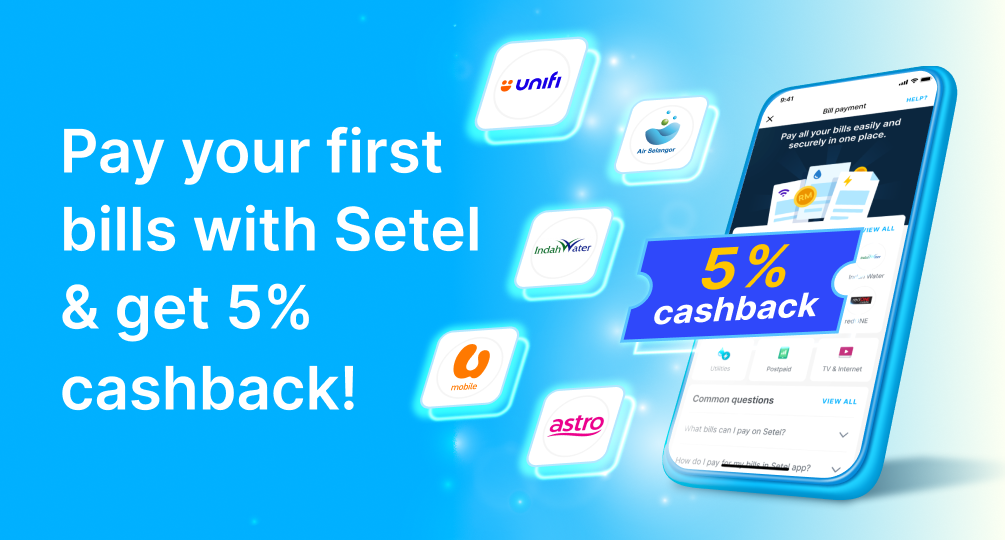
With Setel’s Bill payment, you can settle your utilities, postpaid, TV & internet, and local council bills anytime, anywhere. No queues, no hassle.
Pay multiple bills in one app. Payment in a just few steps!
Safe payment methods that protect your info and every transaction.
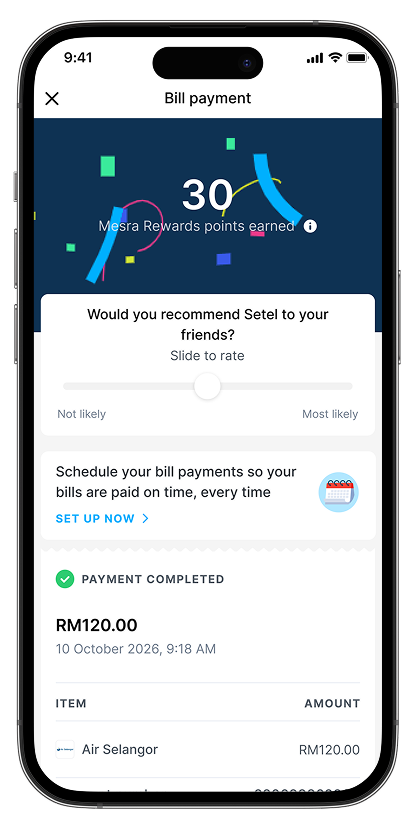
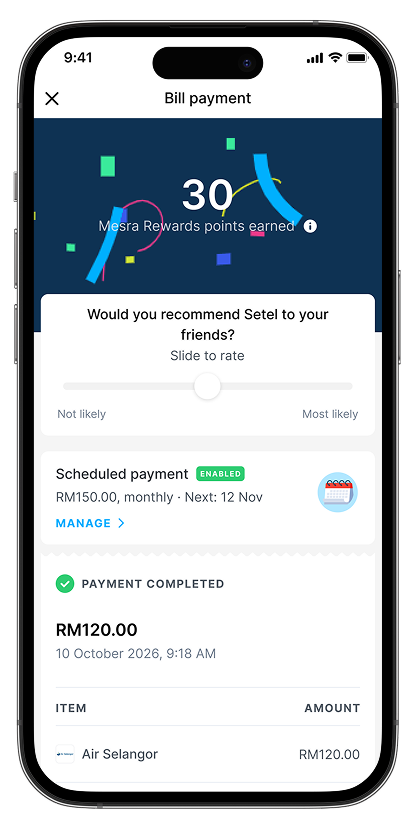
Get Mesra Rewards points each time you made a bill payment with Setel.
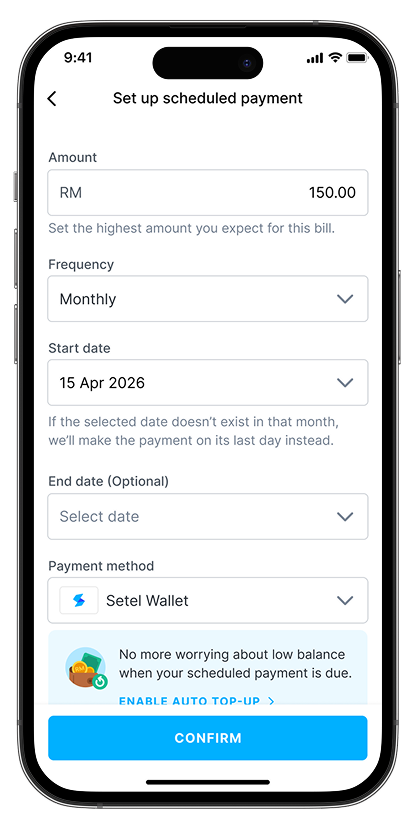
Scheduled your bill payments so your bills are paid on time, every time.
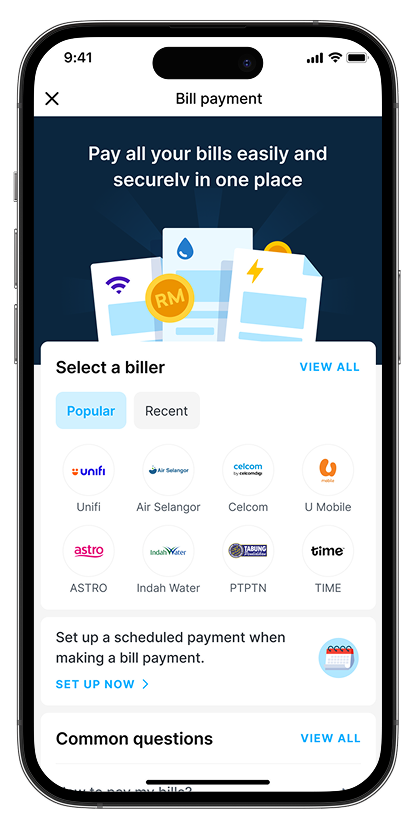
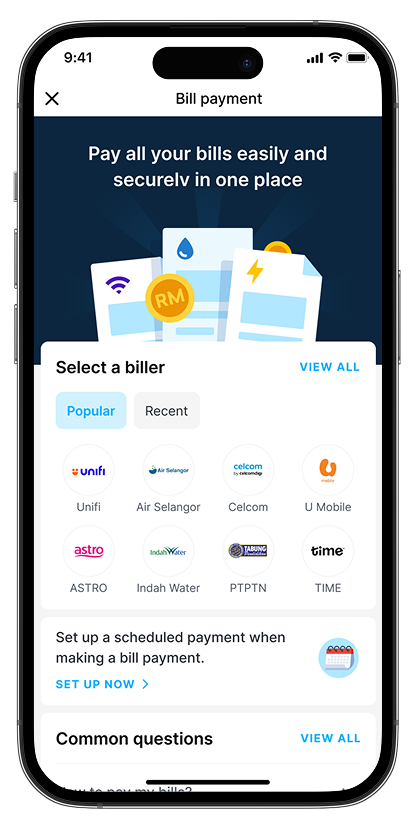
Pay your utilities, postpaid, TV & internet, and local council bills anytime, all in one place.
+ many more!
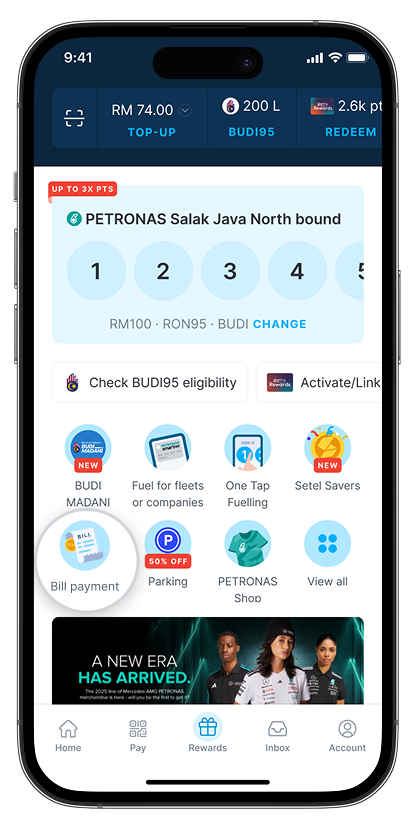
Open the Setel app and go to Bill Payment
Select a biller to make a payment
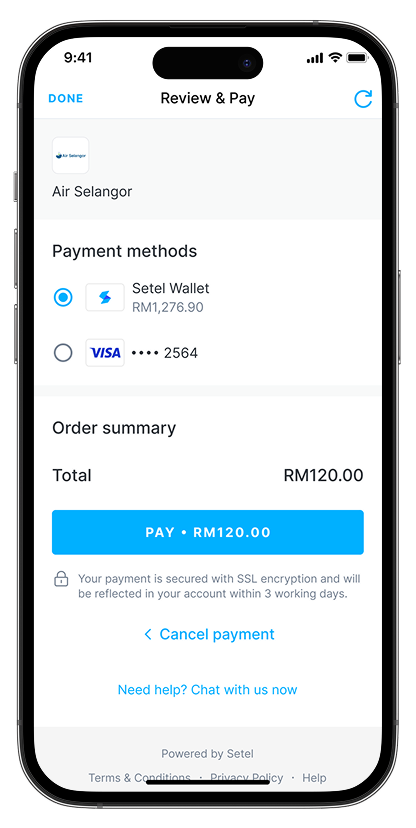
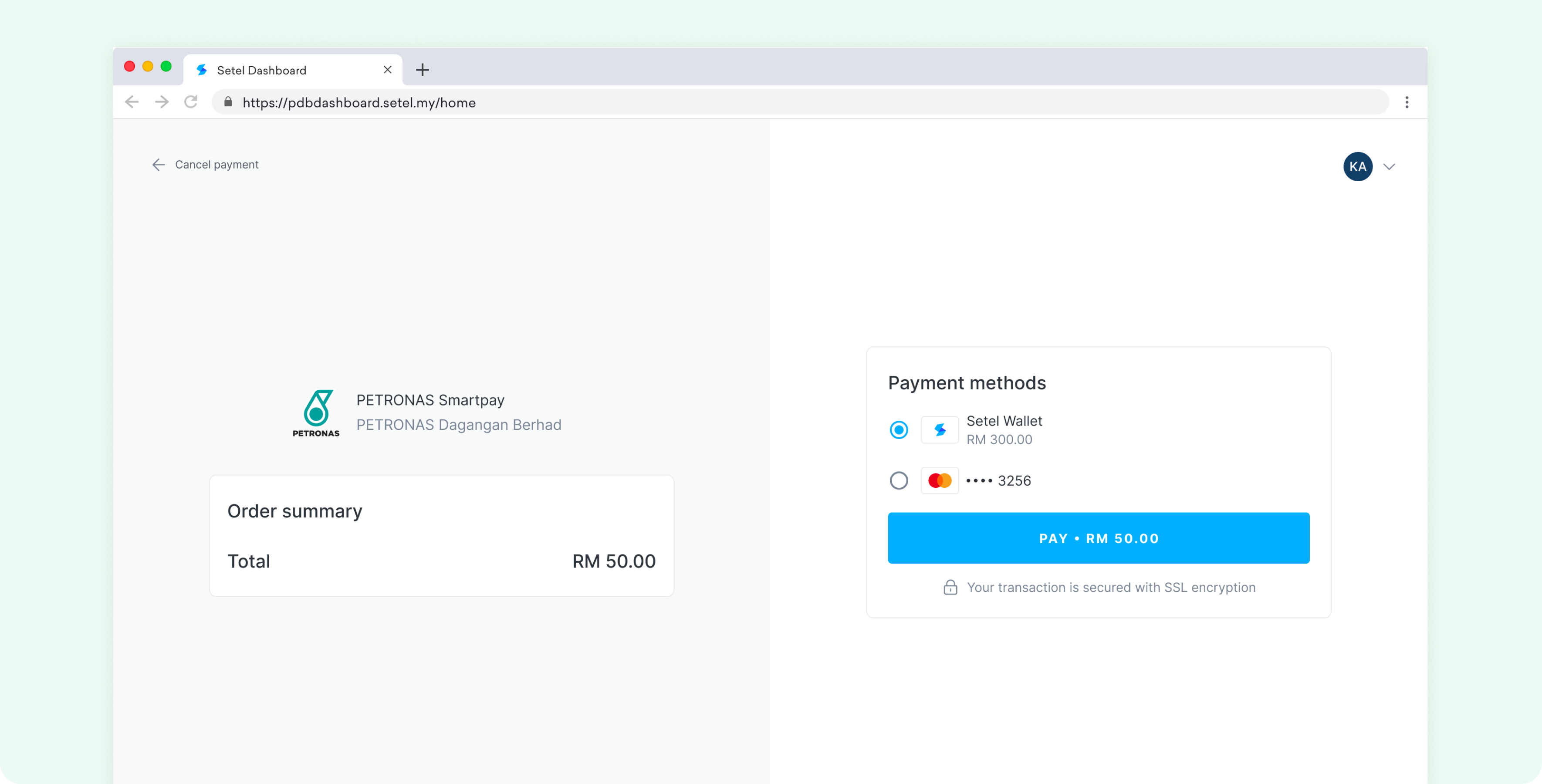
Confirm and pay using Setel Wallet, credit or debit card
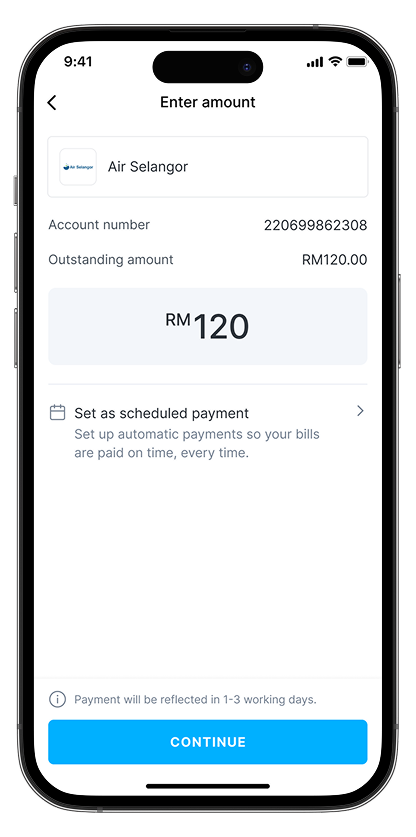
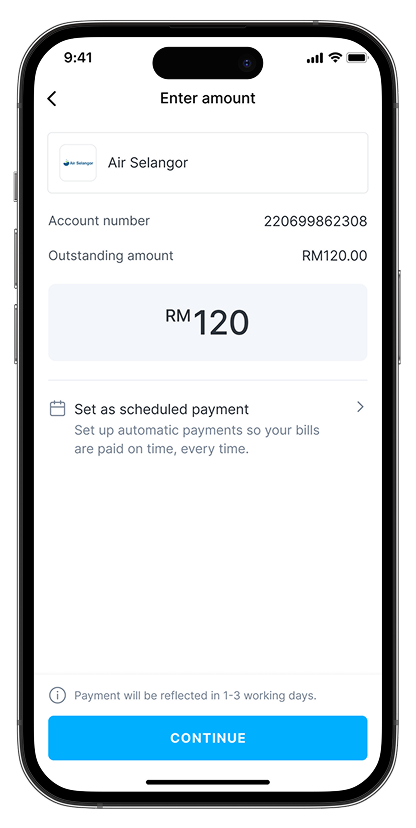
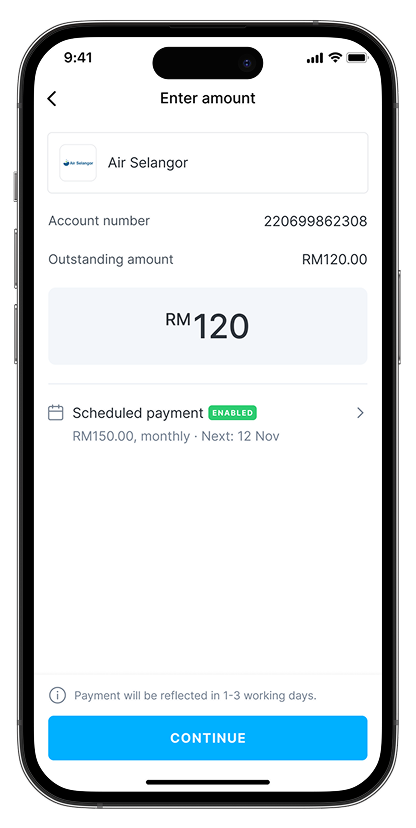
Your bill payment status will be reflected within 1-3 working days
Enter your account number, then tap Set as scheduled payment
Set your scheduled payment and turn on Auto top-up for seamless payments with Setel
Your scheduled payment will start after this payment is successful
Manage your scheduled payments anytime
The convenient way to go cashless.
Find out more
Pay directly with credit or debit card.
Just head on to our Help Centre for more in-depth information about Setel.
Available at
Available at:
CARs AEON Mall KB
Health & Beauty
Food & Beverage – Bakery
Food & Beverage – Carbonated Drinks
Food & Beverage – Chinese
Food & Beverage – Coffee & Tea
Food & Beverage – Fruits & Vegetables
Food & Beverage – Healthy & Vegetarian
Food & Beverage – Japanese
Food & Beverage – Malaysian
Food & Beverage – Seafood
Food & Beverage – Snacks & Dessert
Food & Beverage – Western
Fashion
E-Commerce
Supermarket & Grocery Mart – Fresh Meat & Foods
Supermarket & Grocery Mart – Frozen Foods
Supermarket & Grocery Mart – Fruits & Vegetables
Supermarket & Grocery Mart – Mixed
Supermarket & Grocery Mart – Organic Food
Supermarket & Grocery Mart – Seafood
Automotive
Automotive – Accessories & Services
Automotive – Transportation
Travel
Sports & Fitness
Specialty & Services – Others
Specialty & Services – Food Delivery & Meal Prep
Parking
Insurance