

Step 1
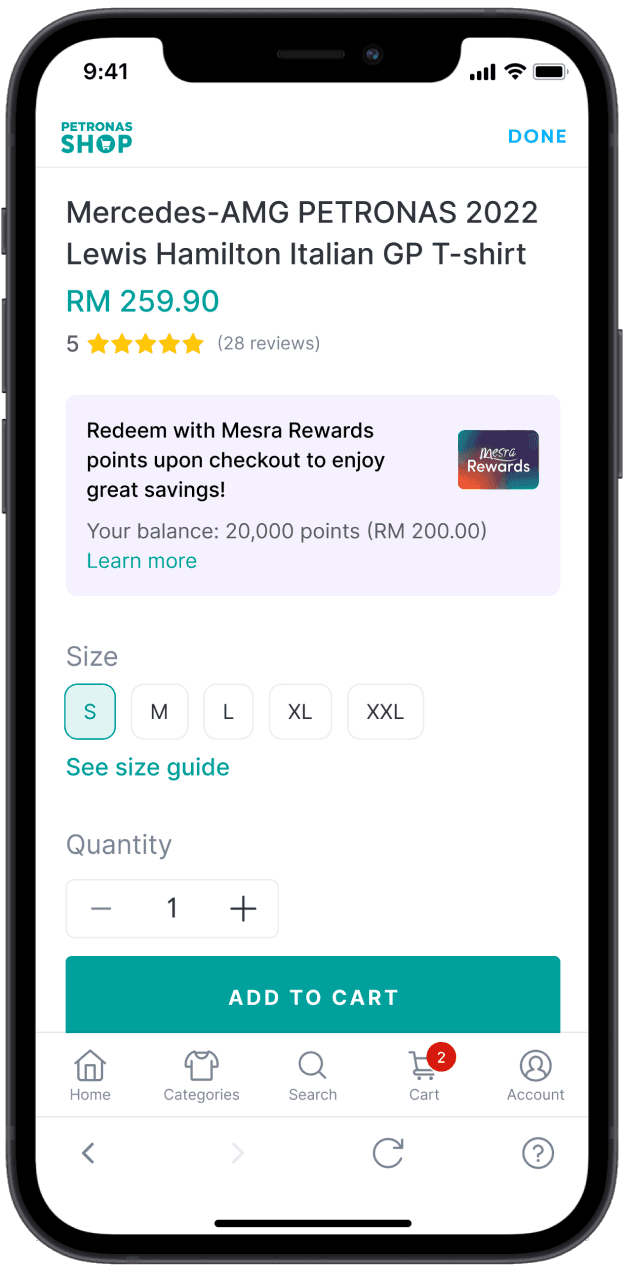
Log in with Setel and add products to your cart.
Step 2
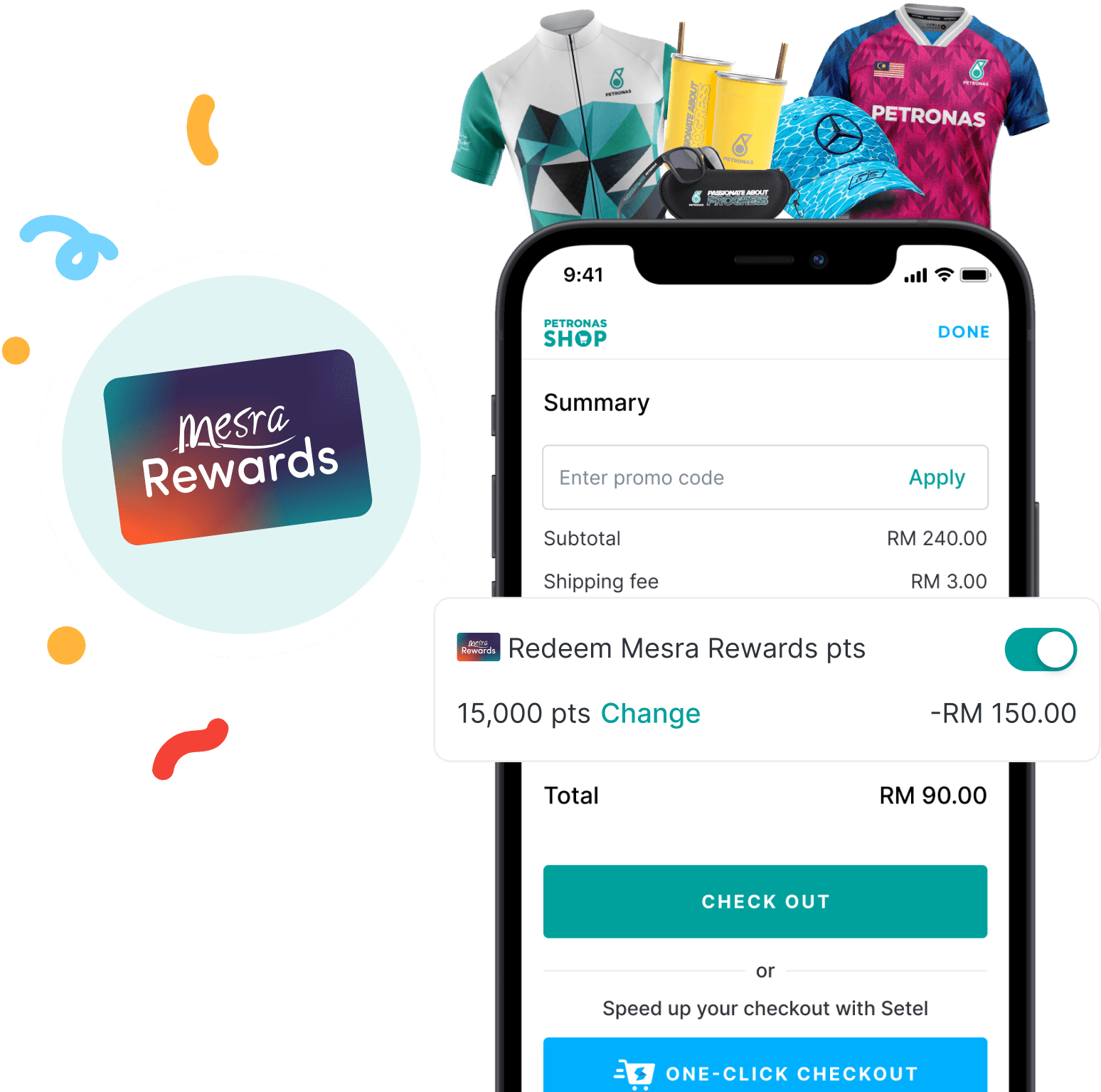
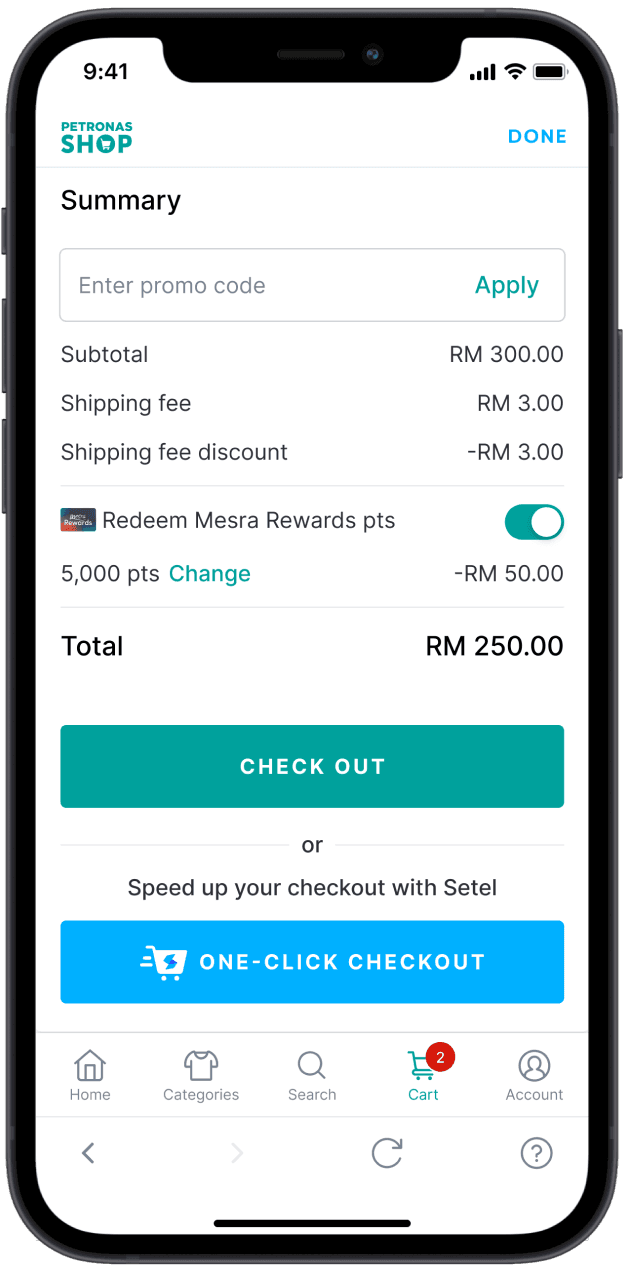
Enable ‘Redeem Mesra Rewards points’ at the checkout page.

Step 3
Click on 'Change' if you want to change your redemption amount.
Step 4
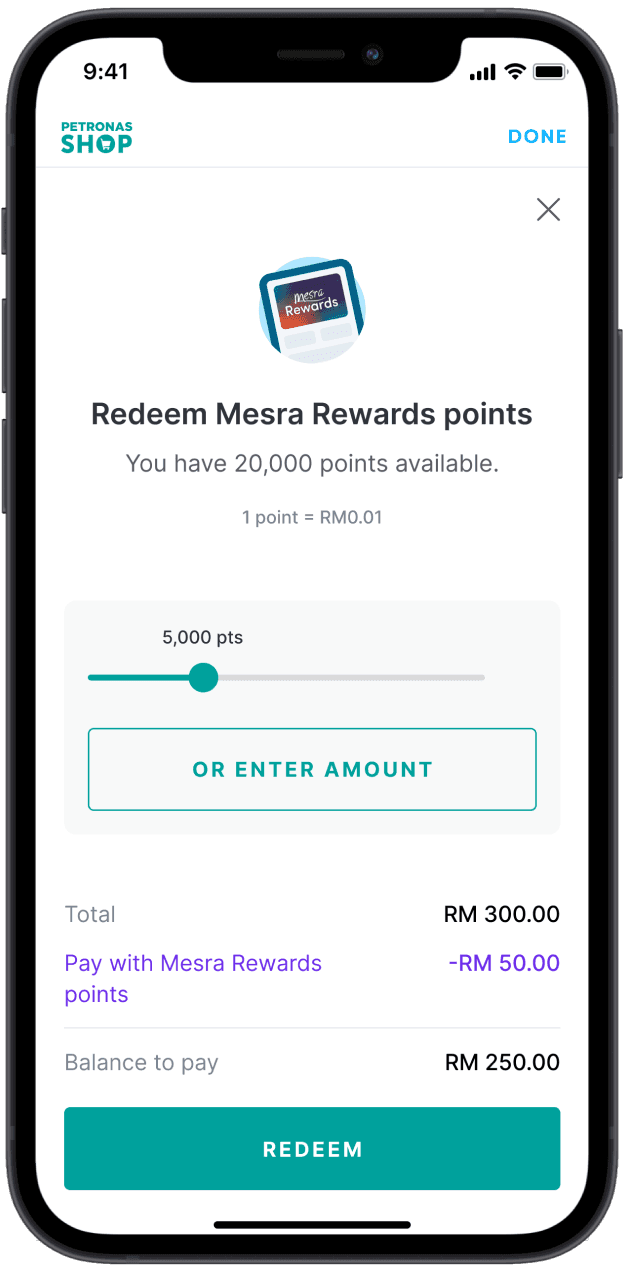
Click 'Redeem' and your total payment amount will be automatically deducted.
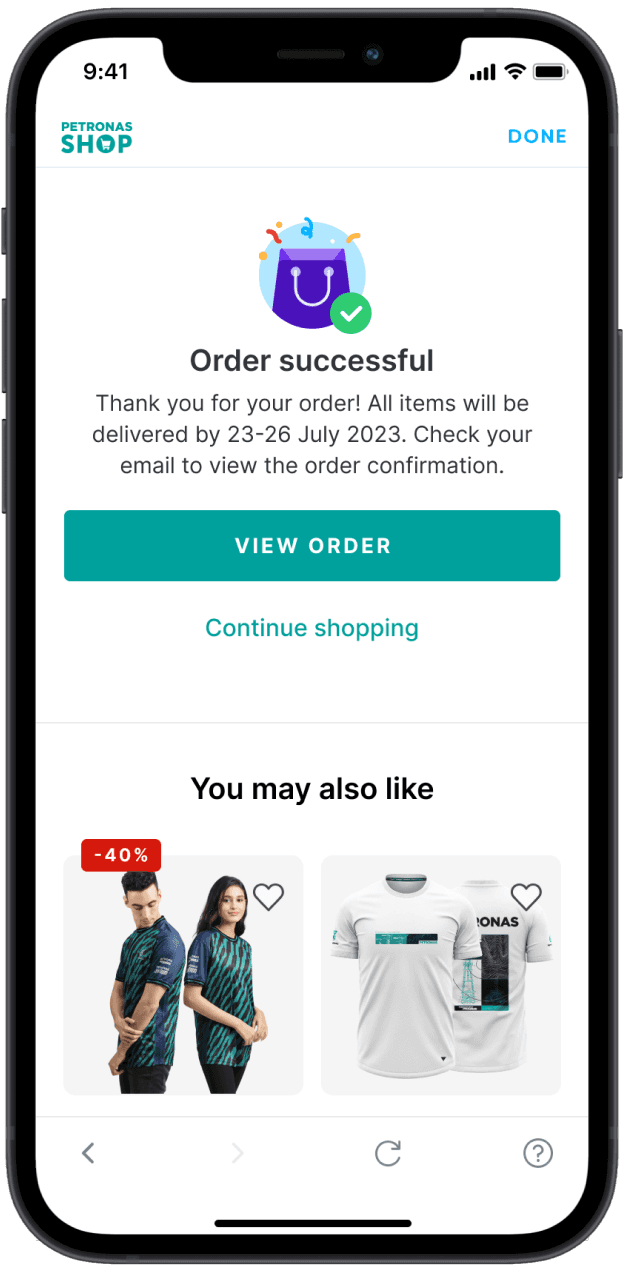
Step 5
Enter Setel passcode to complete payment. You will receive order confirmation via email.
Mesra Rewards points extended to merchandise shopping on PETRONAS Shop
What is Mesra Rewards points?
How do Mesra Rewards points work?
How can I redeem my Mesra Rewards points at PETRONAS Shop?
What PETRONAS Shop items can I redeem with my Mesra Rewards points?
What is the maximum amount of Mesra Rewards points that I can redeem per transaction?